Garage Door Won’t Close Unless I Hold the Wall Button: What It Means (Sensor Override)
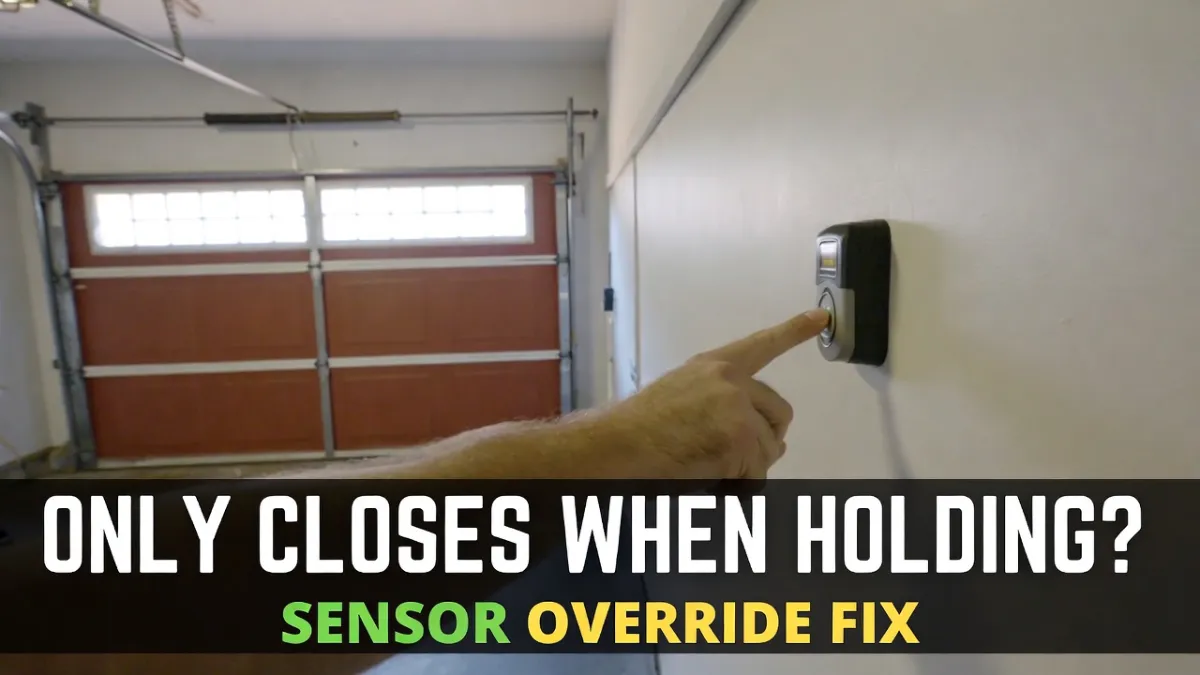
Garage Door Won’t Close Unless I Hold the Wall Button: If your garage door refuses to close with the remote or keypad—but it will close when you press and hold the wall button—that’s not random. On many garage door openers, that behavior is a built-in safety feature often described as a sensor override.
In plain English: the opener is telling you it doesn’t trust the safety sensor system enough to close automatically, so it requires you to hold the button as a “supervised close.”
This guide explains what’s happening and what to check first (safely).
Safety disclaimer: This article covers safe troubleshooting only. Do not attempt DIY work involving springs, cables, or hardware under tension. If the door is off-track, binding, or you’re unsure, contact a qualified garage door professional.
Quick Answer (What it usually means)
When the garage door only closes while holding the wall button, the most common causes are:
- Safety sensor beam is blocked, dirty, misaligned, or affected by sunlight glare
- A sensor light is blinking/off (beam not detected reliably)
- Sensor wiring/connection issues (less common, but possible)
- Rarely: opener control board or sensor failure
In most cases, this is a photo-eye/sensor issue, not a “bad motor.”
Why the wall button works but the remote doesn’t
Your remote/keypad triggers a normal close cycle. During that cycle, the opener continuously checks the safety sensors. If it can’t confirm a clean beam, it stops or reverses.
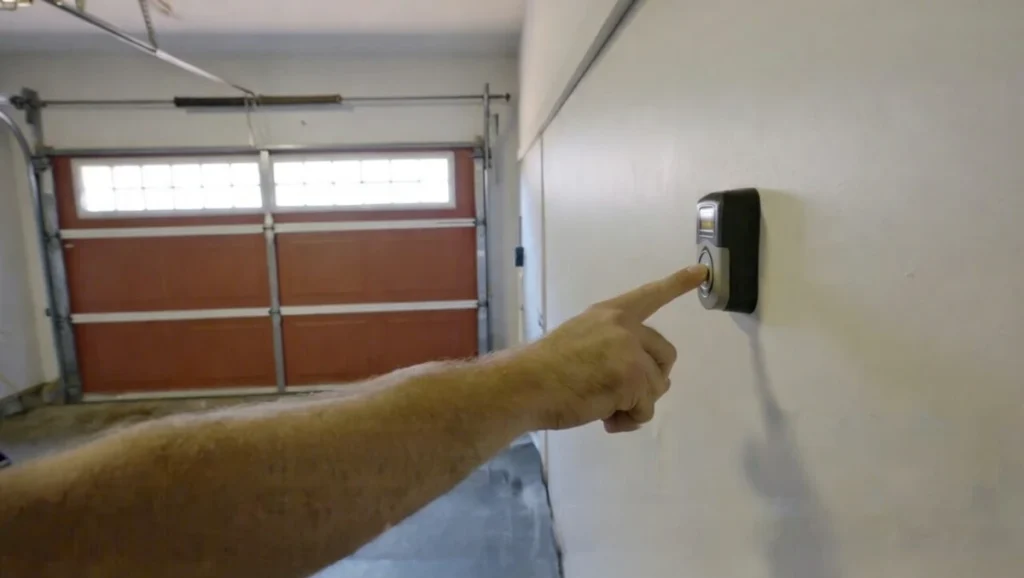
But when you hold the wall button, many openers treat it like: “Okay, a person is watching the door close.” So the opener allows the close even if the sensor signal is questionable.
This doesn’t mean it’s safe to keep doing it long-term. It’s a temporary workaround so you’re not stuck with an open garage.
What to do first (in the right order)
Step 1: Look at the sensor lights (10-second check)
Go to the sensors near the bottom of the tracks and look for lights.
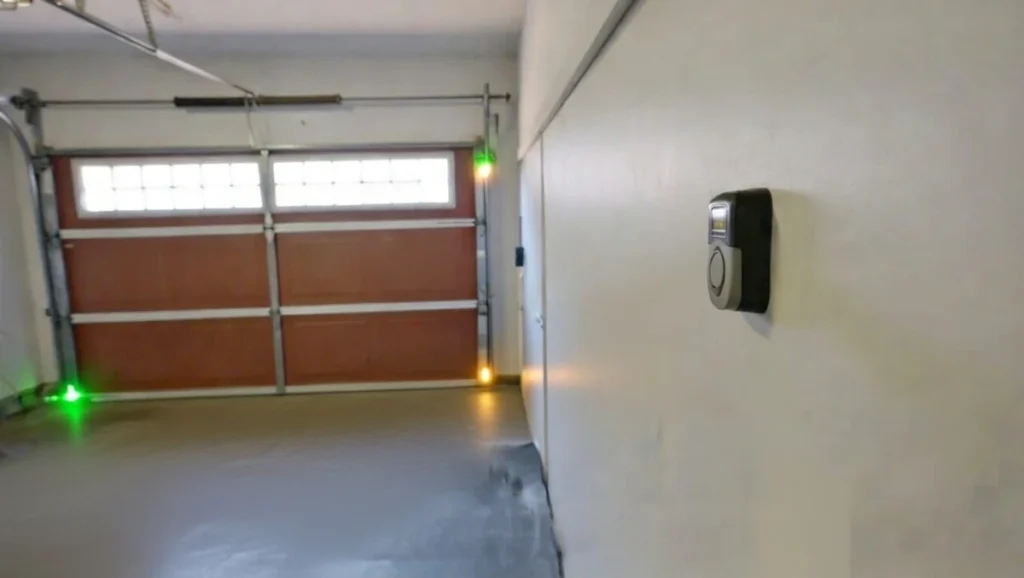
- If one or both lights are off, you likely have a power/wiring issue.
- If a light is blinking, you likely have alignment/beam interference.
- If both are solid, sensors are probably okay (but intermittent wiring or glare can still happen).
If you already have these posts on your site, they connect perfectly here:
- Blinking Green sensor fix
- Blinking Amber/Yellow sensor fix
- Sensor lights off (no lights on both sensors)
Step 2: Clean both sensor lenses
Dust, spider webs, and haze near the floor can weaken the beam.
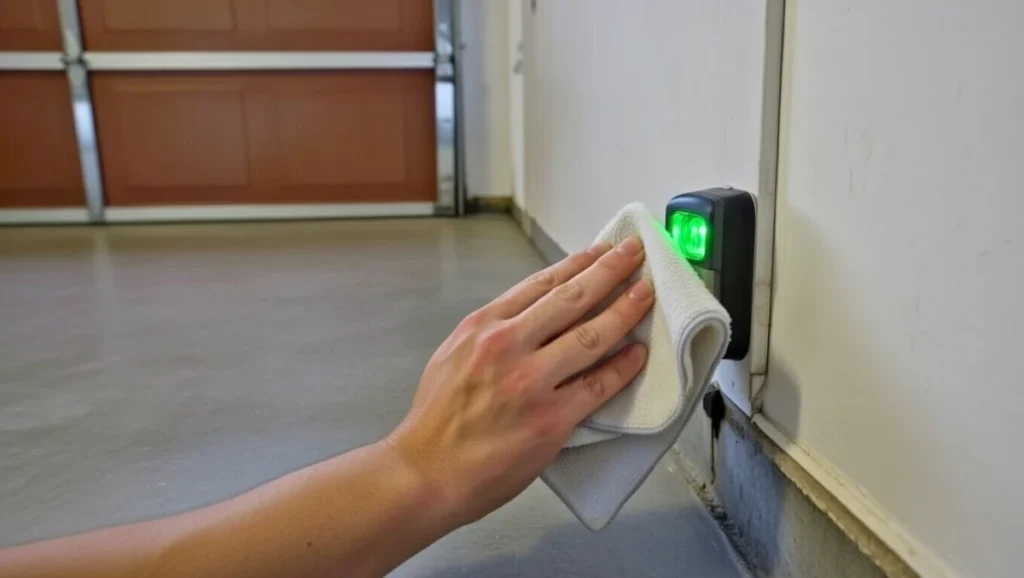
Wipe each lens gently with a microfiber cloth. If needed, put a tiny amount of glass cleaner on the cloth (don’t spray directly onto the sensors). Then try closing normally again.
A surprising number of “hold button to close” cases end right here.
Step 3: Check for anything breaking the beam path
The beam travels low across the garage doorway, so small items matter.
Look for anything near the bottom of the door opening: toys, leaves, bins, tool handles, even a dangling cable. Remove it and try closing again with the remote.
Step 4: Align the sensors until both lights are steady
If either sensor is blinking, alignment is usually the fix.
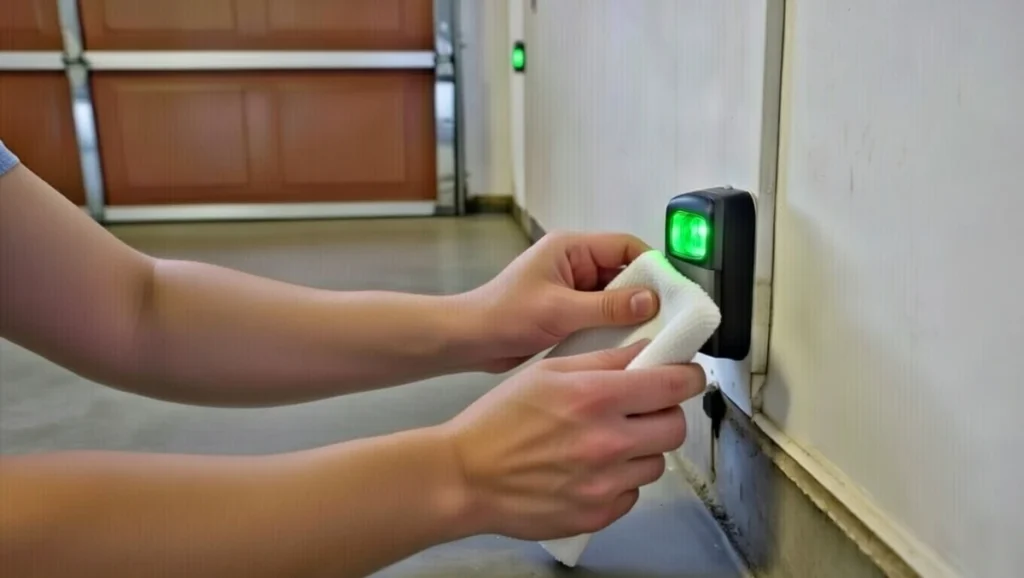
Loosen the sensor mount slightly, adjust it until the light becomes steady, then tighten gently without moving it again. If your bracket is loose and vibrates, the alignment can “drift,” causing the problem to come back.
After alignment, test a normal remote close (no holding the button).
Step 5: If it happens mostly in the afternoon, suspect sunlight glare
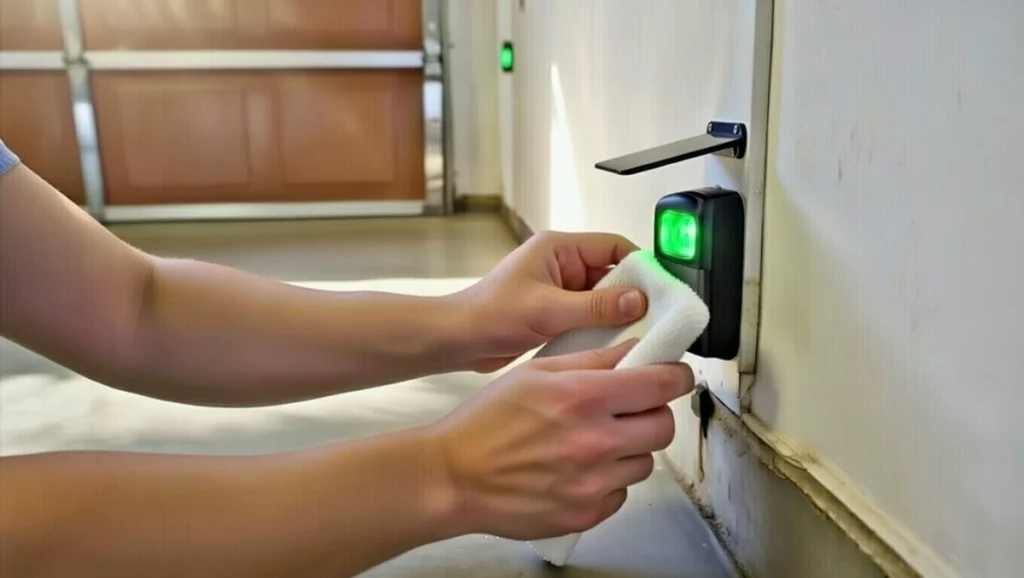
If your door works in the morning but fails at the same time daily, sunlight glare can interfere with the receiver sensor.
A simple visor/shade above the sensor (without blocking the lens) often fixes it. You can also slightly adjust the sensor angle away from direct glare.
Step 6: If BOTH sensor lights are off, treat it as power/wiring
When both sensors are dark, it’s usually not alignment. Common causes include:
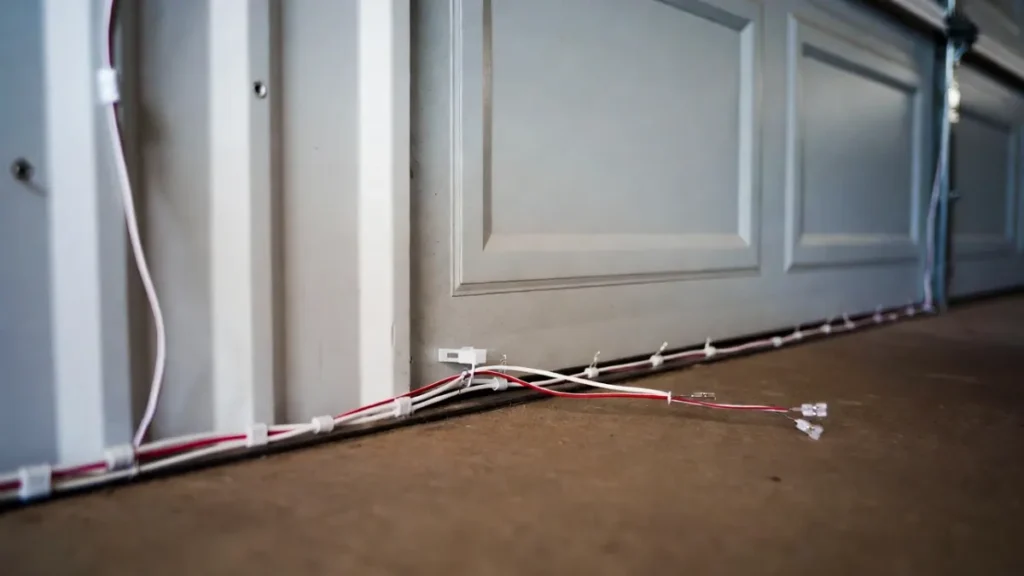
- tripped GFCI outlet in the garage
- loose sensor wire connections
- damaged/pinched/stapled wire
- rodent/pet chew damage
If you’re not comfortable checking wiring connections at the opener unit, this is a good point to call a pro.
Step 7: Check Lock/Vacation mode (different symptom, but worth confirming)
Lock mode usually causes the remote/keypad to stop working—but it does not usually force “hold button to close.” Still, it’s a quick check:
If your wall console has a “LOCK” button or indicator, toggle it off and retest the remote.
Is it safe to keep closing the door by holding the wall button?
It’s safer than leaving the garage open, but it’s not a real fix.
Holding the wall button can allow the door to close even when the safety beam is not working properly. That increases risk—especially if kids, pets, or objects are in the doorway.
Use it only as a short-term workaround while you fix the sensors.
When to call a professional (recommended)
Call a garage door technician if:
- you see damaged sensor wiring or you suspect a hidden break
- the door is off-track, crooked, or binding
- the door reverses violently or behaves unpredictably
- sensors remain unreliable after cleaning/alignment/visor
- you’re not comfortable checking the opener wiring terminals
FAQs
Why will my garage door close only when I hold the button?
Because the opener is likely in a “supervised close” mode due to a safety sensor issue. The opener won’t close automatically unless it sees a reliable sensor beam.
What if my sensors look solid but it still happens?
It can still be sensor-related (intermittent wiring, vibration, sunlight glare). Check bracket stability, glare timing, and wiring condition. If the door also “touches the floor then reopens,” travel limits/resistance might be involved too.
Does this mean my opener is bad?
Usually no. Most often it’s a sensor alignment/beam issue. Openers fail too, but this particular symptom strongly points to sensors first.