Garage Door Won’t Open After a Power Outage: Reset, Reconnect, and Re‑Sync Steps
Garage Door Won’t Open After a Power Outage: A power outage can make your garage door opener behave strangely. Sometimes nothing happens when you press the remote. Sometimes you hear a click, but the door won’t move. And sometimes the wall button works while remotes don’t. Most of the time, the fix is not a major repair—it’s a power reset, a tripped GFCI, a disengaged trolley, or a simple re-sync.
This guide walks you through the safest steps in the right order so you don’t waste time guessing.
Safety note: This article covers safe troubleshooting only. Do not attempt DIY work on garage door springs, cables, or hardware under tension. If the door is off-track or feels unusually heavy, stop and call a professional.
What usually goes wrong after a power outage (quick takeaway)
After a blackout, the opener may not be getting power (GFCI/breaker/outlet), it may need a quick reboot, or the door may have been switched to manual mode using the emergency release. Less commonly, remotes/keypads need reprogramming. In rare cases, a surge can damage an opener component, but don’t assume that first—most problems are simple.
Step 1: Make sure the opener actually has power
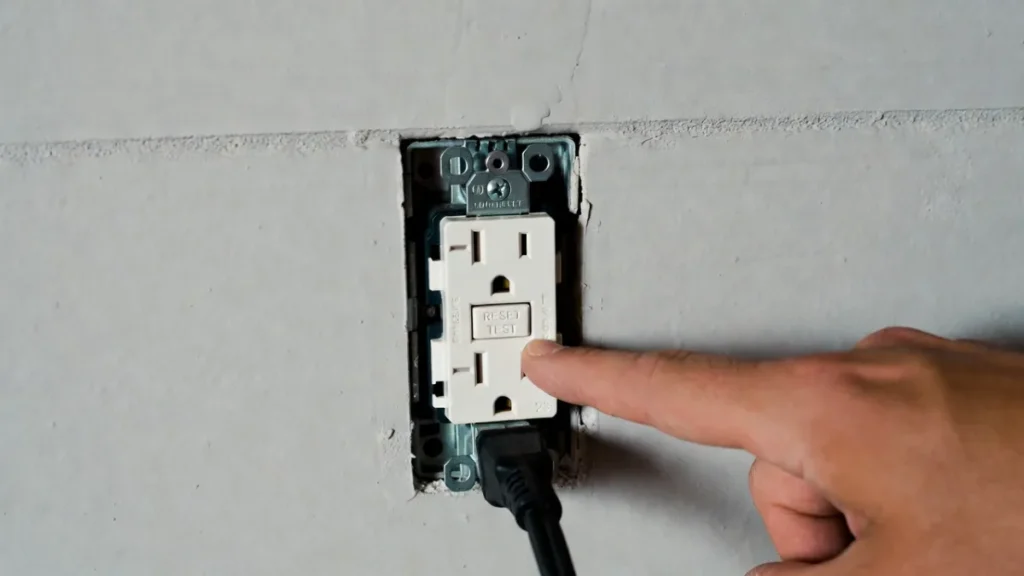
Start with the boring checks because they solve a large percentage of outage problems. Look at your opener unit: do you see any lights on it, or does the wall control respond at all? If the opener seems totally dead, check the outlet and your breaker.
In many garages, the opener is on a GFCI-protected outlet. If that GFCI tripped during the outage, your opener will look “broken” even though it’s fine. Find the GFCI outlet in the garage (or sometimes nearby) and press RESET, then try again.
If the breaker is tripped, reset it once. If it trips again immediately, stop resetting repeatedly—there could be an electrical issue that needs attention.
Step 2: Power-cycle the opener (simple reset that often works)
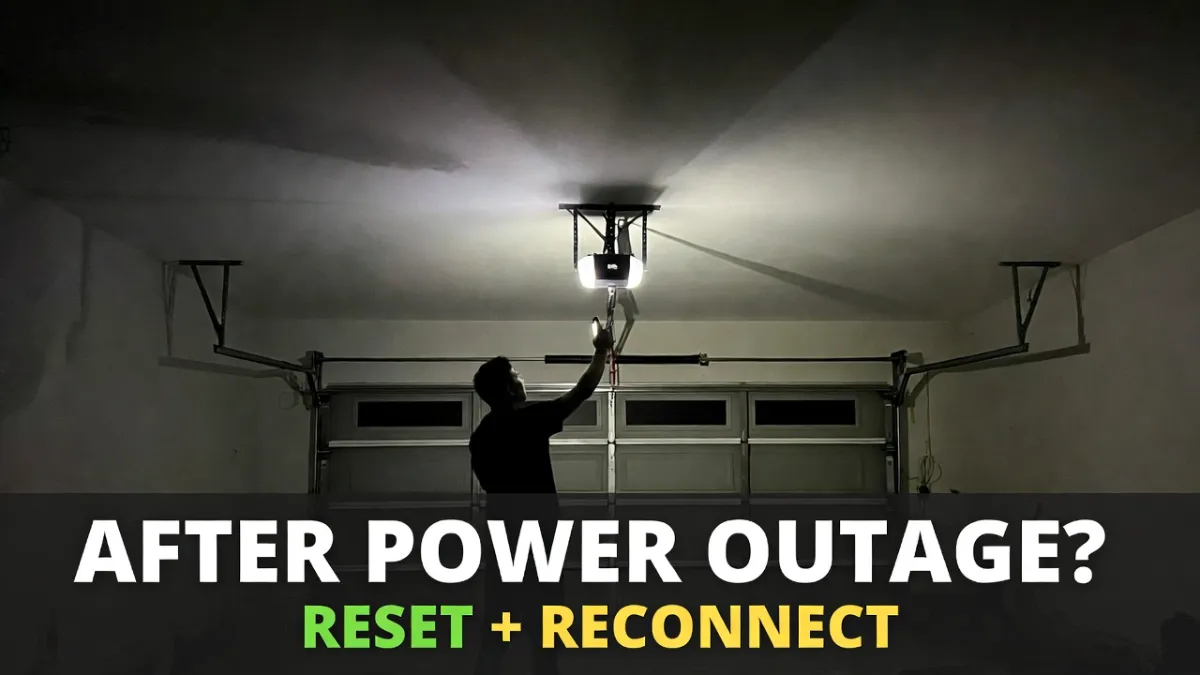
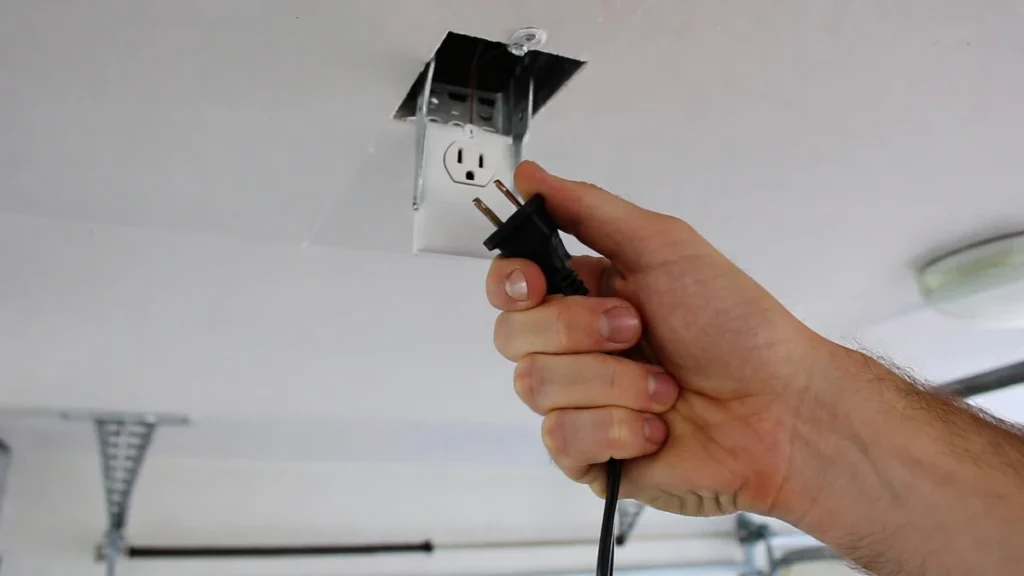
Even if the opener has power, the electronics can get stuck after an outage. Unplug the opener for 30–60 seconds, then plug it back in. Give it a minute, then try the wall button again.
This step doesn’t “fix sensors” or “fix remotes” directly—it just clears a stuck state and is worth doing early.
Step 3: Test the wall button (this tells you where the problem is)
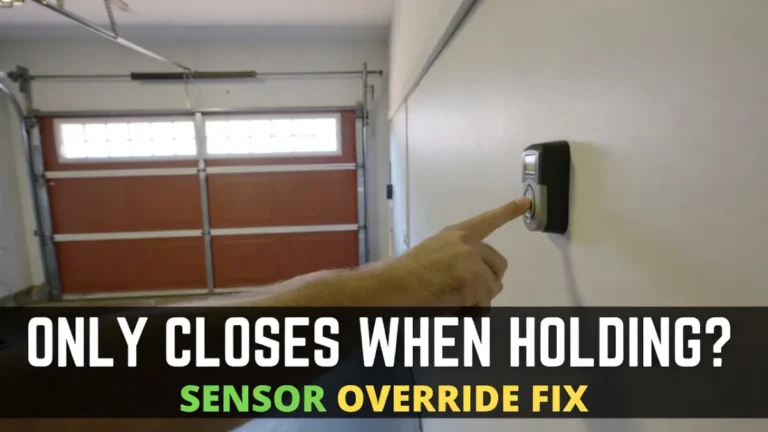
Now press the wall button, not the remote. The wall button is the best diagnostic tool because it bypasses remote signal issues.
If the wall button works but the remote doesn’t, your opener and door are likely okay and you’re looking at a remote/lock-mode/re-sync issue. If the wall button also doesn’t work, the issue is power, wiring, or the opener itself.
Step 4: Check Lock/Vacation mode (quick rule-out)
Some wall control panels have a Lock feature that disables remotes and keypads for security. It’s easy to accidentally turn on, and people usually notice it after an outage.
If you see a lock indicator on the wall control, turn Lock mode off and test the remote again.
Step 5: Check whether the trolley/carriage is disengaged (very common after outages)
During a blackout, many people pull the emergency release to open the door manually. If the trolley doesn’t re-engage afterward, the opener can run or click but the door won’t move.
A few clues usually show up: the door feels “free” by hand, the opener moves but the door stays still, or you can see the trolley not connected properly to the door arm.
Most of the time, re-engaging is straightforward: with the door fully closed (if possible), you re-engage the trolley according to your opener’s instructions, and on many models running the opener once helps it “snap” back into place. If anything feels confusing or forced, stop—this is a quick job for a technician.
Step 6: Try lifting the door manually (safe diagnostic that reveals a lot)
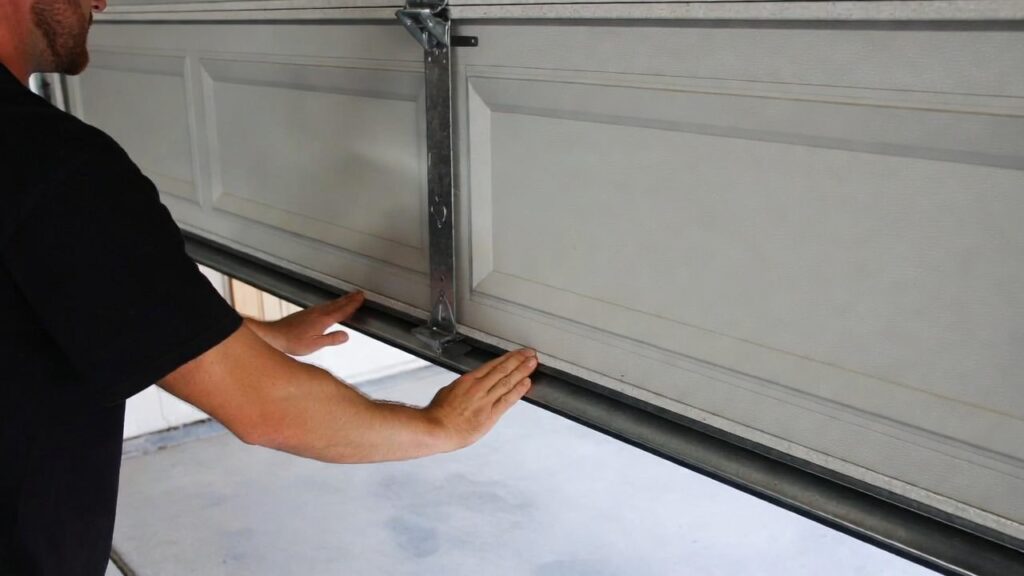
If you can disengage the opener safely, try lifting the door by hand. You’re not repairing anything here—you’re just checking how the door behaves.
If the door lifts smoothly and doesn’t feel heavy, the door hardware is probably okay and the problem is more likely the opener or controls. If the door feels extremely heavy or barely moves, stop immediately. A heavy door often points to a spring or door hardware issue, and springs are not DIY.
Step 7: If the opener clicks or hums but nothing moves
If power is confirmed and the door moves freely by hand, but the opener only clicks/hums, the issue could be internal (for example, a weak capacitor on some models) or damage caused by a surge. At this point, it’s smarter to stop repeated testing. Pressing the button over and over can overheat a motor or worsen a failing part.
If you want a related guide, this symptom matches your post: “Opener Clicking But Not Opening.”
Step 8: Re-sync remotes and keypads (only if the wall button works)
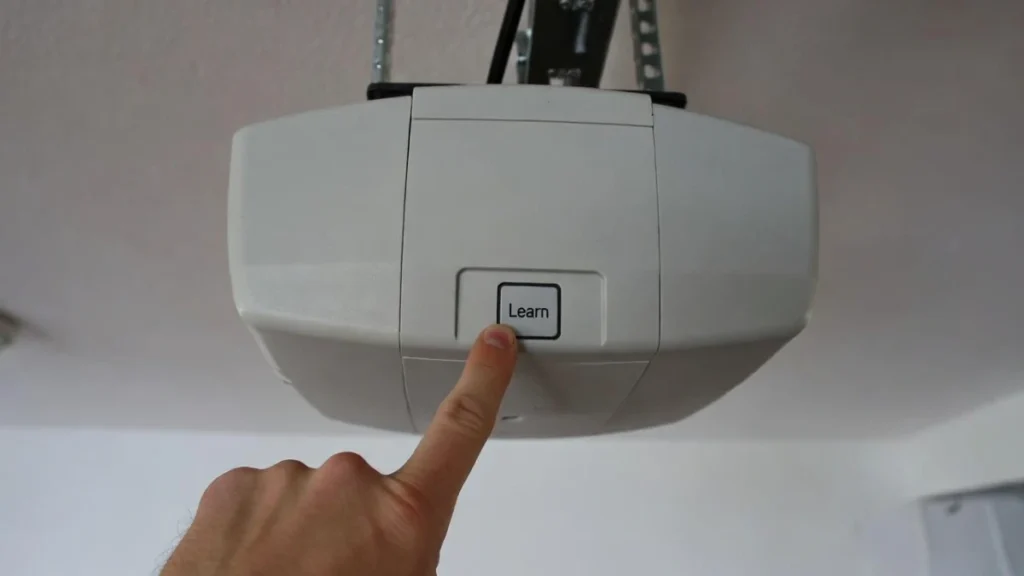
If the wall button works but remotes/keypads don’t, re-sync is the next logical step. Most openers pair remotes using the LEARN button on the motor unit. You press LEARN, then press the remote button within the pairing window, and the opener confirms with a light flash or click.
Because exact steps vary by model, use your opener’s manual for the precise sequence—but conceptually it’s the same across most brands.
When to call a professional (recommended)
Call a garage door technician if the door is off-track, the door feels heavy by hand, the opener hums/clicks with no movement after basic checks, or you suspect surge damage (burn smell, repeated failures). Also call if you’re not comfortable re-engaging the trolley—better safe than forcing it.
FAQs
Why won’t my garage door open after a power outage?
Most often the opener lost power (GFCI/breaker/outlet), needs a reboot, or the trolley is disengaged after manual release.
My wall button works but my remote doesn’t—what does that mean?
Usually Lock mode is enabled, the remote lost pairing, or the remote needs re-sync through the LEARN button.
Is it safe to open the garage door manually?
Yes, if the door feels normal and not unusually heavy. If it feels heavy, stop—spring issues can be dangerous.