How to Change Your Garage Door Keypad Code (PIN): Step-by-Step Guide (Learn Button Method)
How to Change Your Garage Door Keypad Code: Changing your garage door keypad code is a smart move—especially if you just moved into a new home, gave the code to a contractor, or simply want a fresh PIN. In most modern systems, you don’t have to replace anything. You just program a new PIN using the opener’s Learn button.
This guide explains the most common “Learn button method” in a simple, homeowner-friendly way. Because keypad models vary, your exact button sequence may look a little different, but the overall process is the same.
Note: This is general information. Always follow your opener/keypad manual for the exact steps for your model.
Quick answer (what you’re going to do)
You’ll put your opener into programming mode (using the Learn button), then enter a new PIN on the keypad and confirm it. After that, you’ll test the new code and make sure it reliably opens/closes the door.
Before you start (1 minute)
Do two quick checks so you don’t waste time:
First, confirm your garage door works from the wall button inside the garage. If the wall button doesn’t work, fix the power/opener issue first—changing the PIN won’t help.
Second, decide what PIN you want. Pick a 4-digit code that’s easy for you to remember but not obvious like 0000 or 1234.
Step 1: Find the Learn button on your garage door opener
The Learn button is on the opener motor unit mounted on the ceiling. On many models, it’s behind the light cover or near the wiring terminals. You may see a small button labeled “Learn” or a small round/square button near an indicator LED.
Take a moment to locate it now, because you’ll need to press it and then move to the keypad quickly.
Step 2: Put the opener into programming mode

Press and release the Learn button once. In most cases, an LED light turns on and stays on for a short time (often around 30 seconds). That’s your programming window.
During this window, the opener is “listening” for the keypad to send the new code.
Step 3: Enter the new PIN on the keypad and confirm it
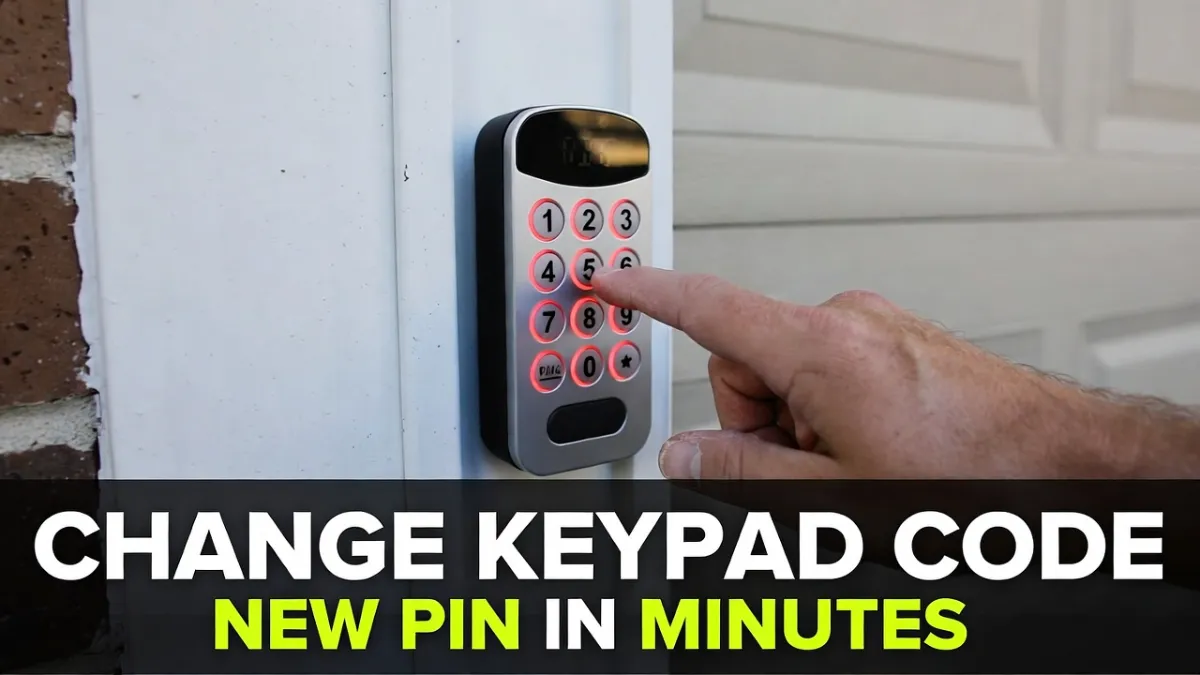
Go to the keypad and enter your new 4-digit PIN. Then press the keypad’s confirm key (usually ENTER or a down-arrow button).
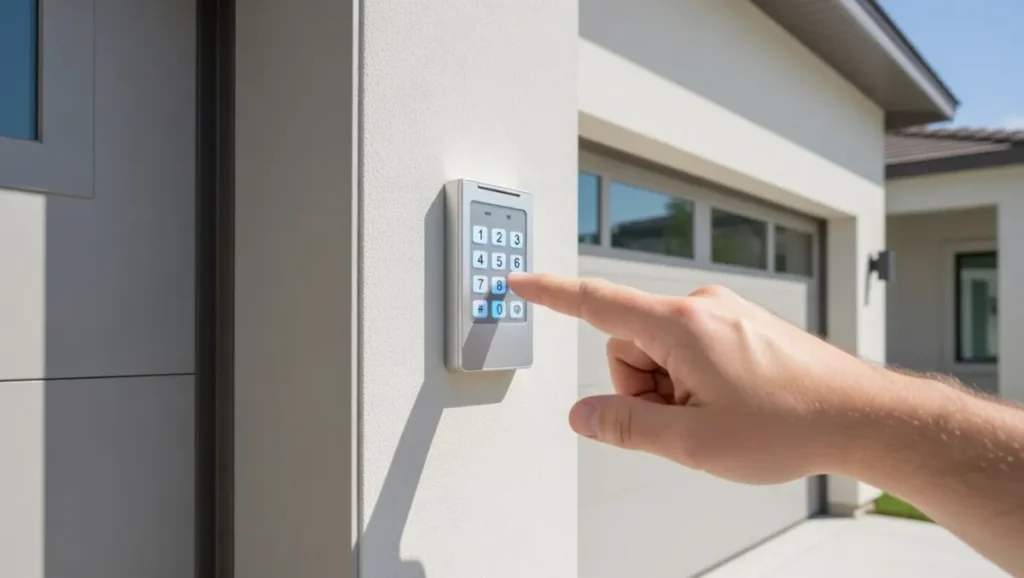
If programming worked, the opener will usually give you some confirmation—often a light flash, a click, or a brief movement.
Now try the new PIN again (PIN + ENTER) and confirm the door responds.
Step 4: Test the new code more than once (so you’re sure)
Test it at least two or three times. If it works once but fails the next time, that’s usually not a “wrong code” problem—it’s often a weak keypad battery, interference, or a pairing that didn’t complete properly.
If you want the change to be reliable, it has to work repeatedly without you standing inches from the keypad.
What if you forgot the old keypad code?
On many keypads, you do not need the old PIN to set a new one—as long as you can access the opener and use the Learn button. The Learn button programming is essentially the “owner reset path.”
If your keypad won’t accept programming at all, then you may need a keypad reset (model-specific) or you may need to remove and re-add the keypad in a cleaner pairing attempt.
If it won’t program: the most common reasons
If you follow the steps and nothing happens, don’t assume the opener is broken. Usually it’s one of these:
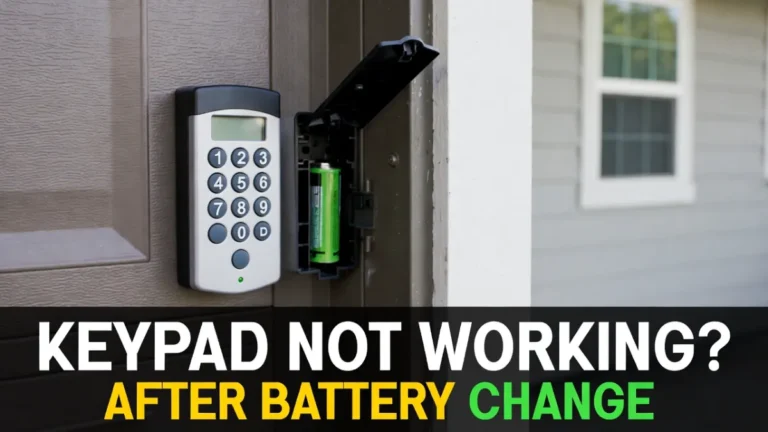
The opener is in Learn mode but the keypad isn’t actually sending a clean signal. This can happen if the keypad battery is weak, even if the keypad lights up. A fresh battery often fixes “programming won’t stick.”
Sometimes the timing is the issue. The Learn window is short, and entering the PIN too slowly can miss it. Try again and move a little quicker.
If the keypad works only when you stand very close, it can be a range/interference problem. Bright LED lights in the garage can interfere with wireless signals.
Finally, compatibility matters. Very old keypads and very new openers don’t always pair unless they’re compatible. If your keypad is old and worn, replacement is often cheaper than extended troubleshooting.
Security tips (small things that actually help)
If you’ve shared the old code with workers or neighbors, changing the PIN is only half the job. It’s also smart to test that the old code no longer works.
Also consider choosing a PIN that isn’t connected to your address, phone number, or birthday. It sounds basic, but it’s a real-world security improvement.
When to call a professional
If your opener won’t enter Learn mode, if the keypad won’t program even with a fresh battery, or if you suspect wiring/electrical problems, a garage door technician can set it up quickly and confirm everything is safe and reliable.
FAQs
Do I need the old code to change my garage keypad PIN?
Often no. Many systems let you set a new PIN using the opener’s Learn button, even if you don’t know the old code.
Why does my keypad accept the code but the door doesn’t move?
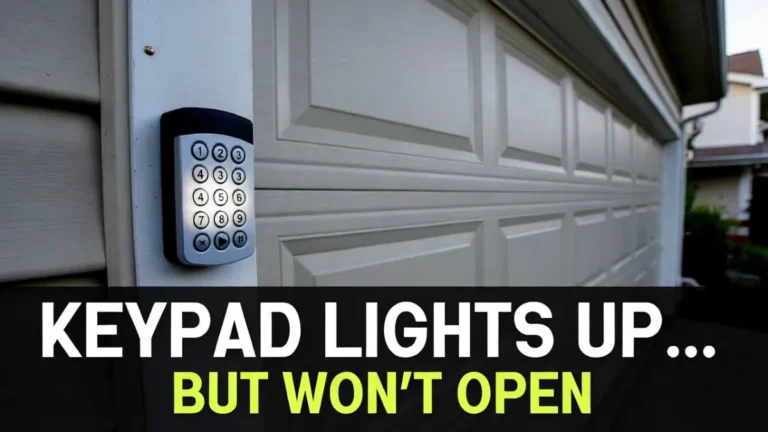
Common causes are Lock/Vacation mode, lost pairing, weak battery, or the opener not actually entering Learn mode. Reprogramming usually fixes it.
How many digits should my keypad code be?
Most keypads use a 4-digit PIN, but some models allow longer. Follow your keypad’s manual.