Garage Door Opener Beeping: Common Reasons and What Each Pattern Usually Means
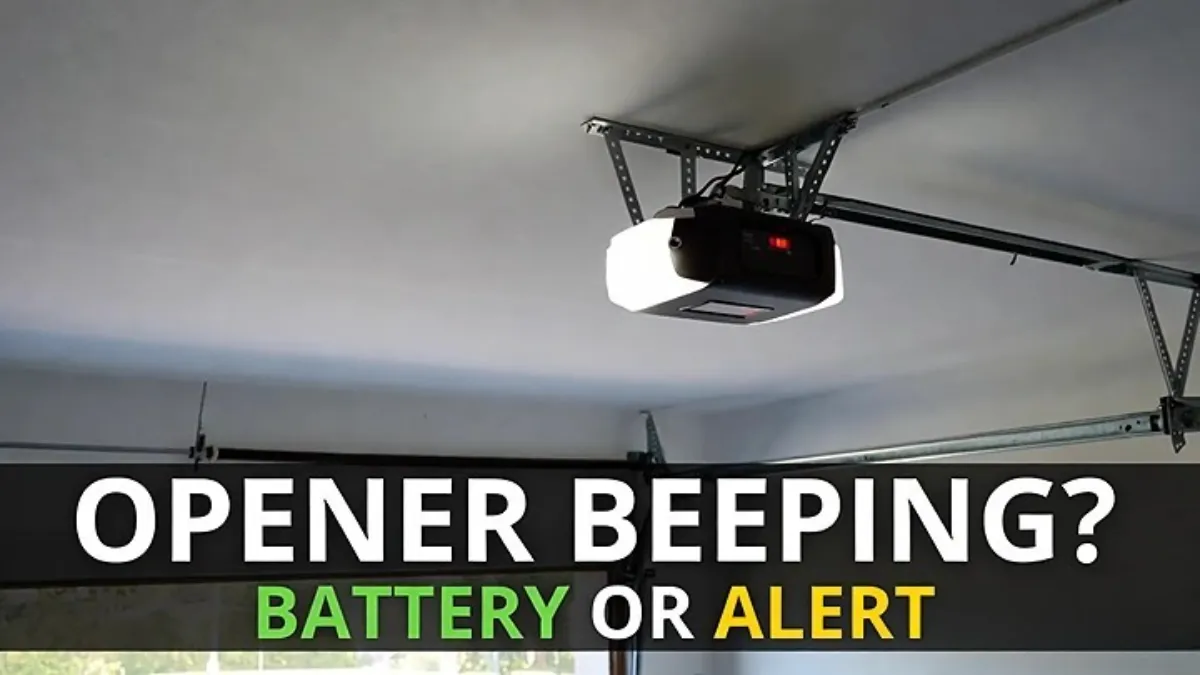
Garage Door Opener Beeping: A garage door opener that suddenly starts beeping can be confusing—especially because the door may still open and close normally. In most homes, beeping is not a “motor failure” sound. It’s the opener’s way of telling you there’s a warning or status alert—most commonly related to a battery backup, recent power loss, or a connectivity/system notification.
This guide will help you identify where the beep is coming from, what the most common beep patterns mean, and what you can safely do next.
Important: Beep patterns vary by brand/model. Use this as a general guide, then confirm with your opener’s manual if the pattern doesn’t match.
Step 1: Make sure the beep is actually coming from the garage opener
This sounds obvious, but it’s a real-world trap. Many people think the garage opener is beeping when it’s actually:
- a smoke/CO alarm with a low battery
- a security sensor or alarm panel
- a UPS or Wi‑Fi router battery unit
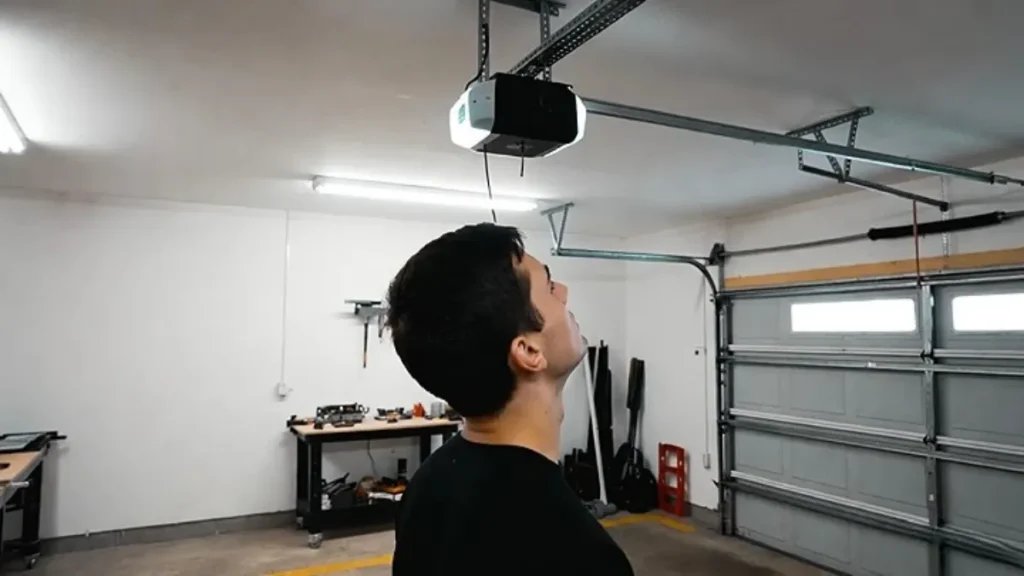
Stand directly under the opener motor unit and listen. If the beep is loudest there, you’re in the right place.
The most common reason: Battery backup warning
If your opener has a battery backup (common in many U.S. setups), beeping usually means the backup battery is:
- low
- aging and needs replacement
- not connected properly
- charging incorrectly after an outage
A battery backup can keep the door working during outages, but those batteries don’t last forever. When they get weak, the opener often beeps to warn you.
Quick clue
If you recently had a power outage, even a short one, the opener may start beeping afterward because it switched to battery mode and then detected a low or failing battery.
Common beep patterns (what they often indicate)
These are “typical” meanings, not guarantees (brands differ). Still, they’re helpful clues:
| What you hear | What it often means | What to do first |
|---|---|---|
| A single beep every ~30 seconds | Backup battery needs replacement / is weak | Check battery backup status, replace battery if needed |
| Beeping right after an outage | Opener ran on battery / battery warning triggered | Restore power, let it charge, check battery condition |
| Continuous or frequent beeps with no change | System alert that won’t clear (battery, board, or notification) | Check indicator lights, MyQ/app alerts, manual |
| Beep + app/notification warnings | Connectivity or device alert | Check MyQ status + Wi‑Fi + power |
If you want absolute accuracy, your model manual will list the exact beep meanings for your opener.
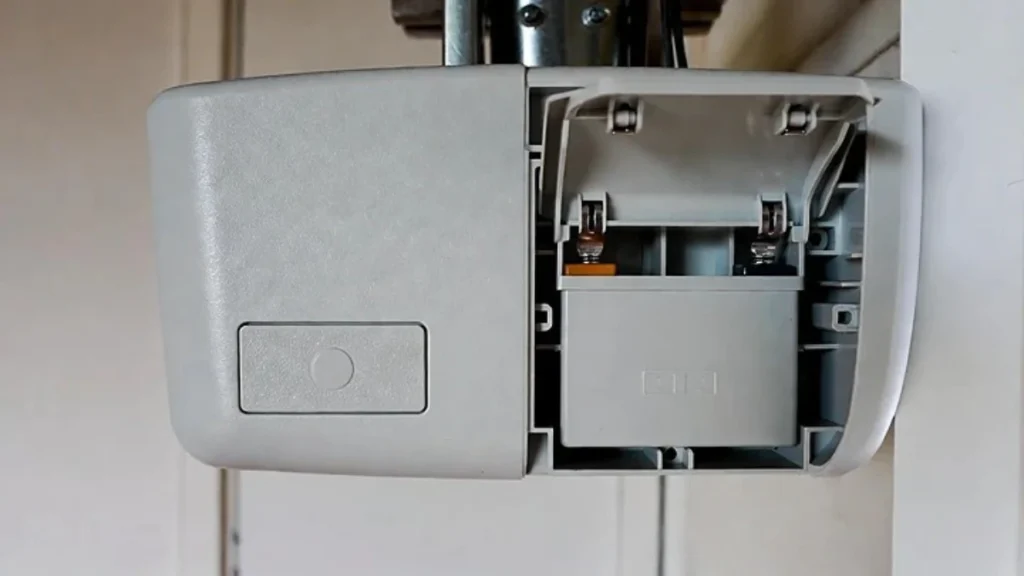
Step 2: Check if your opener has a battery backup (and find the battery compartment)
Look at the opener motor unit. If it has a battery backup, you’ll usually see a battery compartment on the side or a removable cover.
If you can safely access it:
- Check if the battery is seated properly.
- Look for any visible swelling/leakage (if yes, stop and replace safely or call a pro).
You don’t need to open any dangerous door parts to do this—battery backup is typically a separate compartment.
Step 3: If you had a power outage, do a clean reset first
If the beeping started after power returned, try a simple reset:
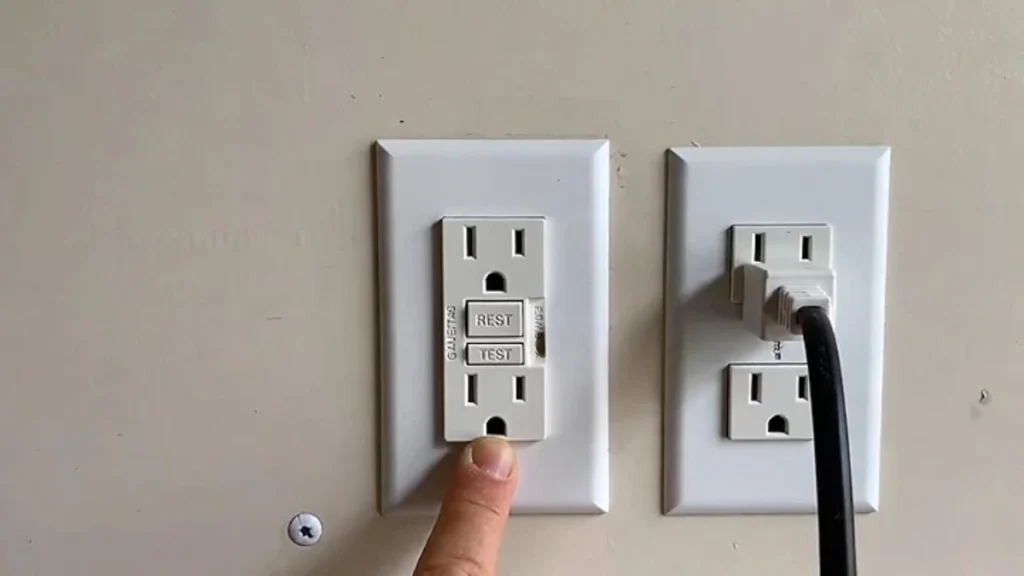
- Make sure the opener is plugged into a working outlet (check GFCI if needed).
- Unplug the opener for 30–60 seconds.
- Plug it back in and wait a couple of minutes.
Sometimes the alert clears after a clean restart and a short charging period. If beeping returns, the battery is likely weak/aging.
(You can also link your related post: Garage Door Won’t Open After a Power Outage.)
Step 4: Check the opener’s indicator lights and wall control messages
Many openers show the reason for the beep via:
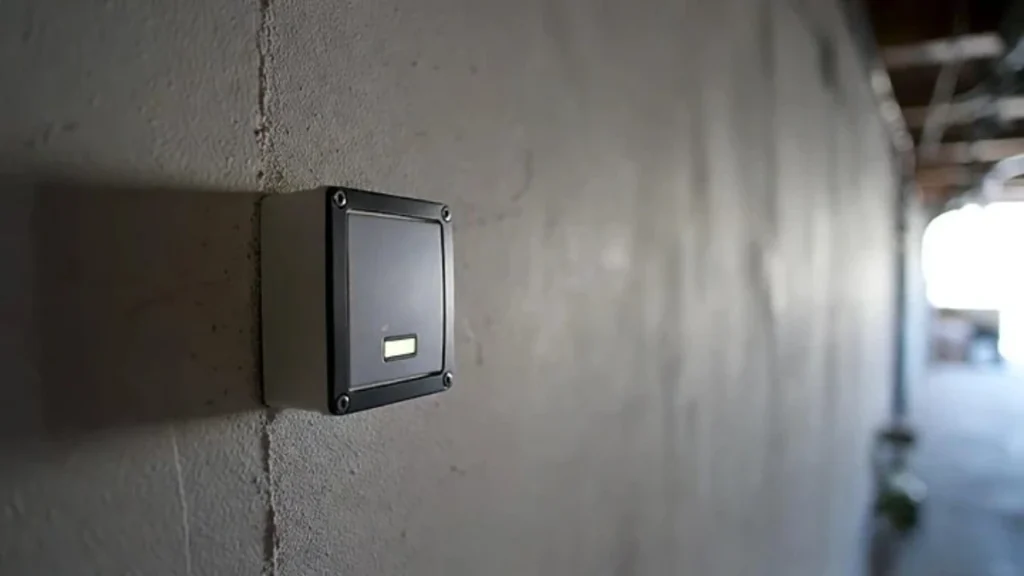
- a blinking LED on the opener unit
- a wall control display message
- a “battery” icon or warning light
If you see a battery indicator blinking, that’s a strong sign the beep is battery-related.
Step 5: Check MyQ/app notifications (if you use MyQ)
If your opener is connected to MyQ, the app sometimes shows alerts that match the beeping (battery status, connectivity issues, device offline).
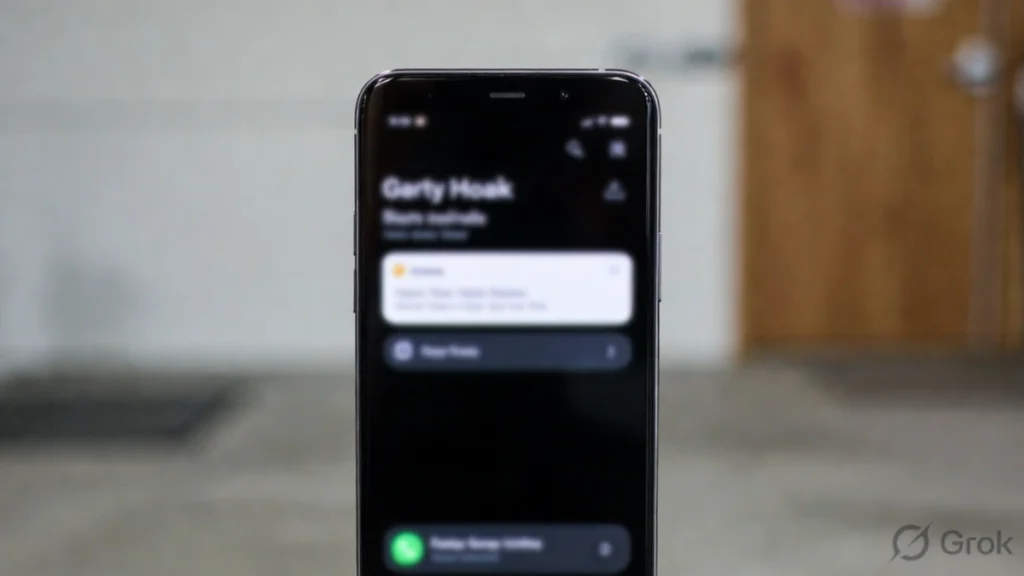
If MyQ is offline while the opener is beeping, it doesn’t automatically mean MyQ caused the beep—but checking the app can confirm whether the opener is reporting a battery warning.
Related posts you already have (internal link later):
- MyQ Shows Offline
- MyQ Keeps Disconnecting
- MyQ App Not Working
Step 6: When the beep is NOT battery backup (other possibilities)
If your opener does not have a battery backup—or you confirmed the battery is fine—beeping may be a system notification. Common scenarios include:
A connectivity/module alert
Some setups beep when a smart module is failing to connect or when setup mode is active. This is where checking MyQ/app alerts and doing a clean router/opener restart can help.
A safety/system warning
If the opener light is flashing when you attempt to close, the beeping might be accompanying a warning state. In that case, check sensor lights and closing behavior.
(You can link: Opener Light Blinking When Closing.)
A wall-control/lock mode confusion
Lock mode usually stops remotes/keypads, but some wall controls may have their own indicators/alerts. If the system behavior changed after you pressed something on the wall control, review the wall control buttons and indicators.
When to call a professional
It’s time to call a garage door technician if:
- the beep won’t stop and you can’t identify the source
- you suspect a damaged/swollen battery
- the door starts reversing, binding, or acting unsafe at the same time
- the opener hums/clicks and struggles to move the door (separate issue from beeping)
FAQs
Why is my garage door opener beeping but still working?
Most often because it’s warning you about the backup battery or a status alert. The opener can still function normally even while beeping.
How do I stop the beeping?
The long-term fix is solving the cause (commonly replacing the backup battery). A power cycle may temporarily clear some alerts, but if the battery is weak, the beep will return.
Is beeping dangerous?
Usually no, but it’s a warning you shouldn’t ignore—especially if it’s a battery backup alert. If you see swelling/leakage or unusual smells, stop and get help.
Related Posts