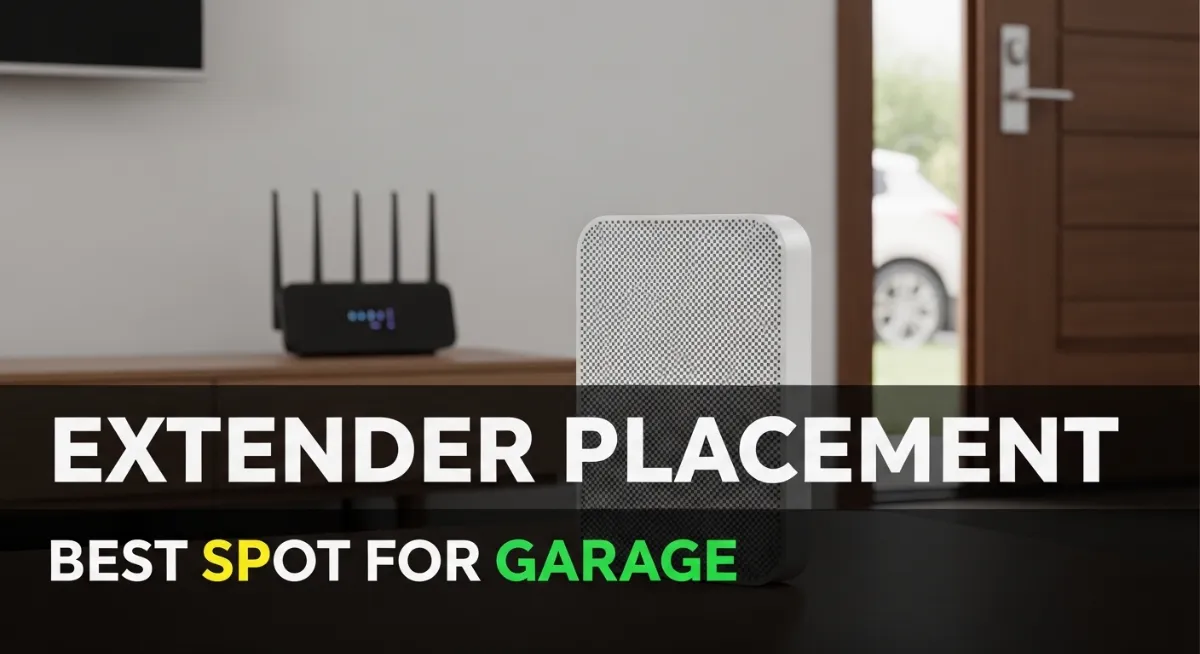
Best Wi‑Fi Extender Placement for a Garage (MyQ Signal Fix): Where to Put It for Stable Connection
Best Wi‑Fi Extender Placement for a Garage: If your MyQ keeps going offline, disconnecting, or failing to connect reliably, the problem is often not the opener—it’s Wi‑Fi coverage. Garages are tough for Wi‑Fi because of distance, concrete, brick, metal, and the garage door itself. A Wi‑Fi extender or mesh node can fix it, but only if it’s placed correctly.
This guide explains where to put an extender for the garage in a practical, “works in real homes” way—especially if you’re trying to stabilize MyQ.
Quick answer (best placement)
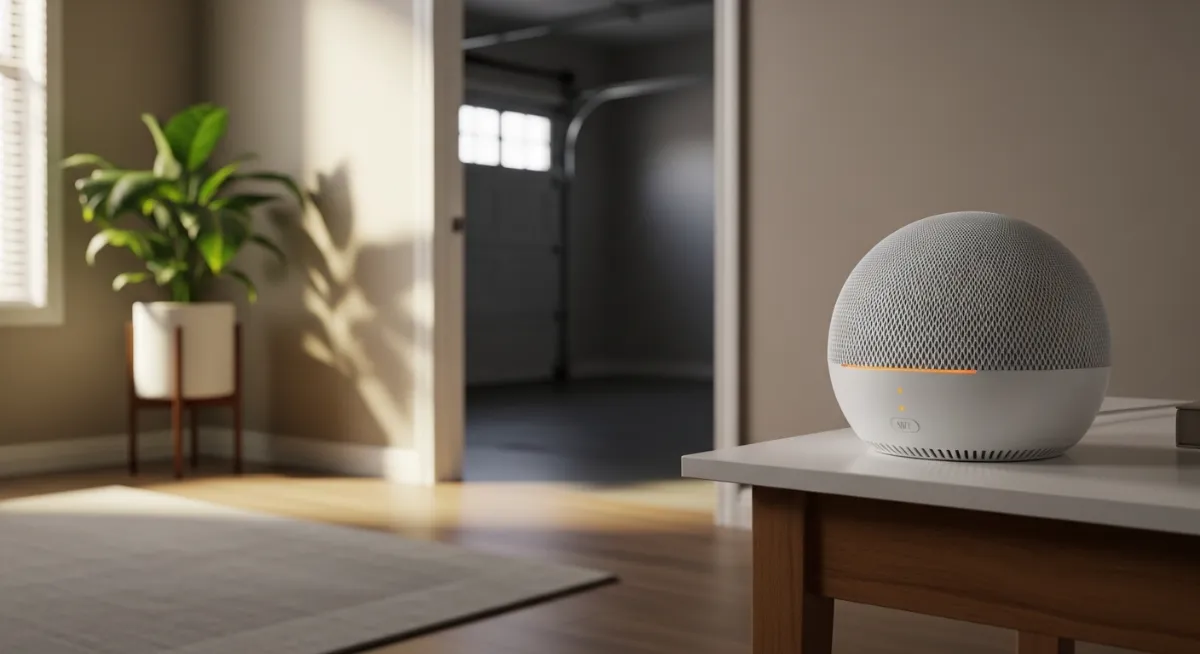
The best placement for a Wi‑Fi extender for a garage is usually inside the house, close to the garage wall, roughly halfway between your main router and the garage opener—where it still receives a strong signal from the router. Putting the extender deep inside the garage often fails because the extender itself doesn’t get a good signal to repeat.
In other words: don’t place it where you need signal most; place it where it can still get a good signal and then push it toward the garage.
Why garages break Wi‑Fi (in plain English)
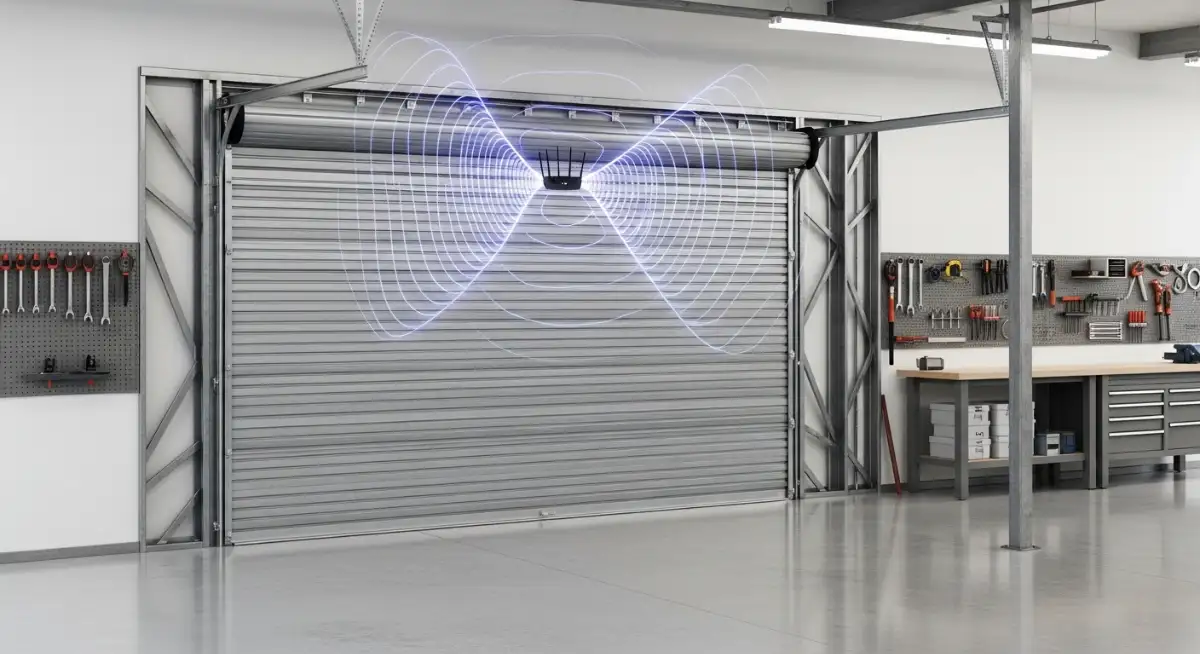
Wi‑Fi hates thick walls, concrete, brick, and metal. And many garage doors (or reinforcement inside them) weaken signal further. Even if your phone shows Wi‑Fi in the garage, your MyQ device may have a weaker antenna and drop offline.
That’s why placement matters more than the extender brand in many cases.
Step 1: Identify your goal (coverage vs stability)
For MyQ, you don’t need extreme speed. You need a stable connection. That means your extender placement should prioritize:
- consistent signal strength
- fewer disconnects
- stable 2.4GHz coverage in the garage area
If your extender placement improves signal but still disconnects daily, it’s not stable enough (or the network configuration needs tweaking).
Step 2: The “two-zone rule” for extender placement
Here’s a simple rule that avoids most mistakes.
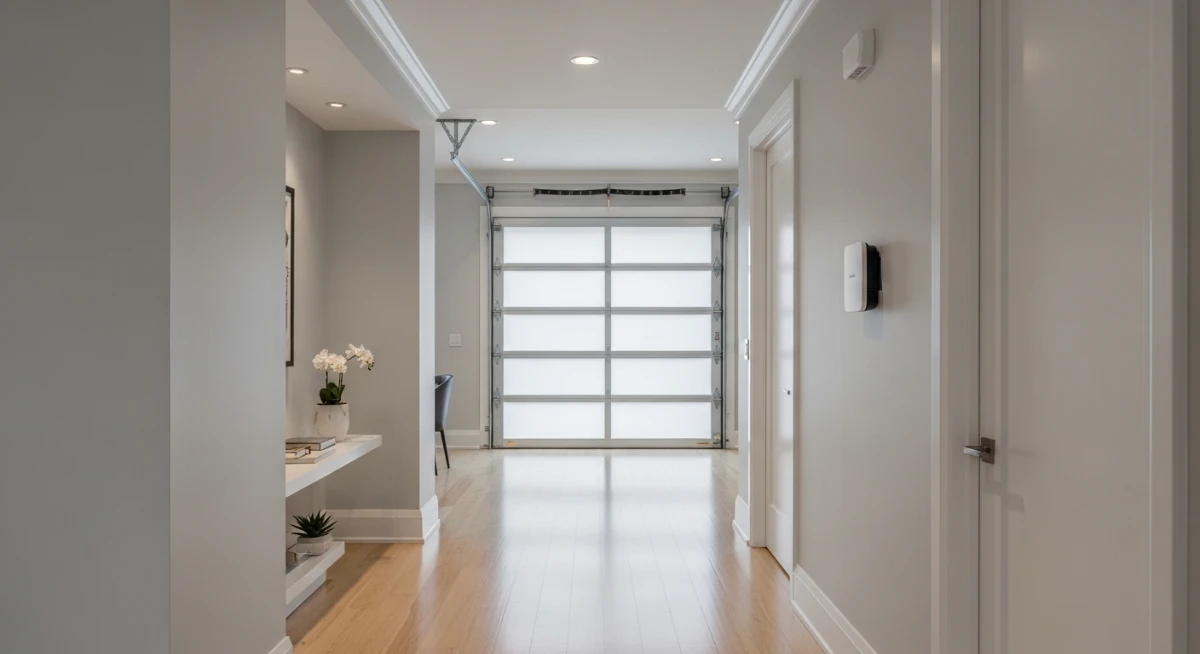
Think of two zones:
- Zone A: area where your router signal is strong (extender can “hear” the router clearly)
- Zone B: area where your garage opener/MyQ needs stronger signal
Your extender should be placed in the overlap—close enough to the router to have a strong backhaul signal, but close enough to the garage to improve coverage.
A very common best spot is:
- inside the house, near the door to the garage, or
- in a room that shares a wall with the garage
Step 3: Don’t place the extender in the garage corner (common mistake)
A lot of people put the extender right next to the opener in the garage, thinking “closest = best.” But if the extender can’t get a strong connection from the main router there, it just repeats a weak signal.
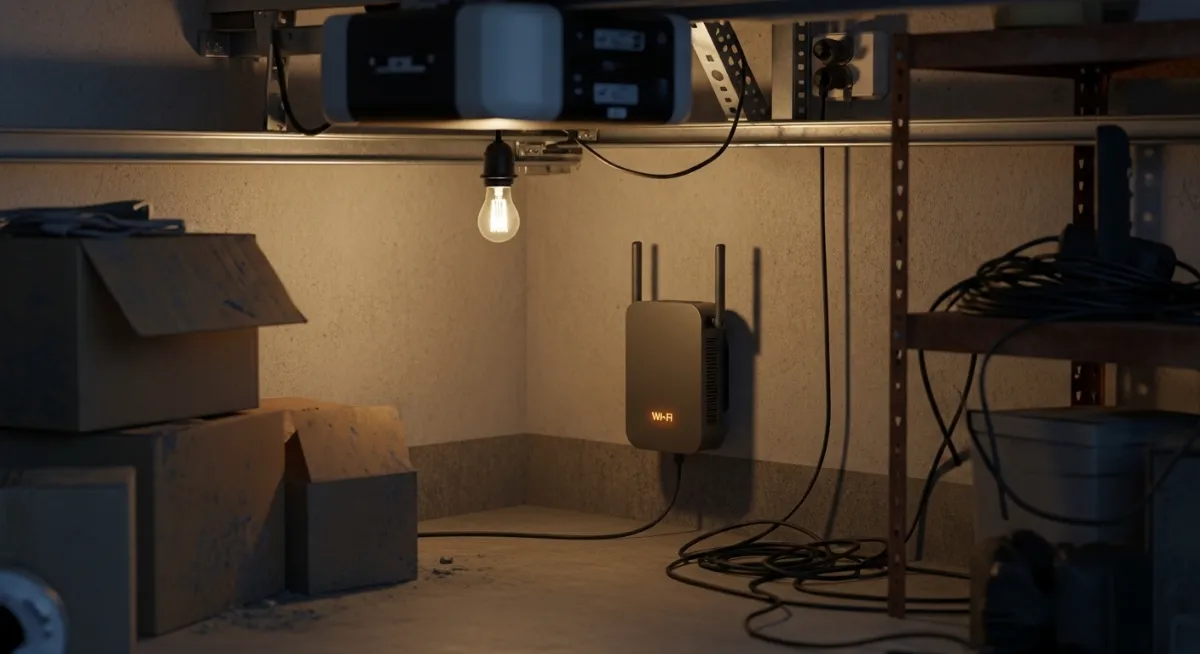
You’ll end up with:
- a Wi‑Fi network that looks available
- but is slow/unreliable
- and MyQ still drops offline
If you must place something in the garage, a mesh node (with better backhaul options) usually performs better than a basic extender.
Step 4: Use 2.4GHz for garage stability (most reliable)
For many smart devices, including garage openers, 2.4GHz travels farther and penetrates walls better than 5GHz. That’s why MyQ is usually more stable on 2.4GHz.
If your router/mesh system supports it, consider:
- a dedicated 2.4GHz SSID for smart devices
- disabling aggressive band steering (at least for testing)
You already have posts on 2.4GHz setup—this is a good internal link later.
Step 5: Practical placement examples (real homes)
Here are placements that often work:
If your router is in the living room: place the extender in the hallway that leads toward the garage or in the room next to the garage wall.
If your router is upstairs: place the extender downstairs near the garage side of the house. Vertical distance can be as damaging as horizontal distance.
If you have a detached garage: you may need a stronger solution like outdoor-rated access points or a mesh node positioned near a window facing the garage. A basic extender often won’t cross yards well.
Step 6: After placement, confirm stability (simple test)
Once you move the extender:
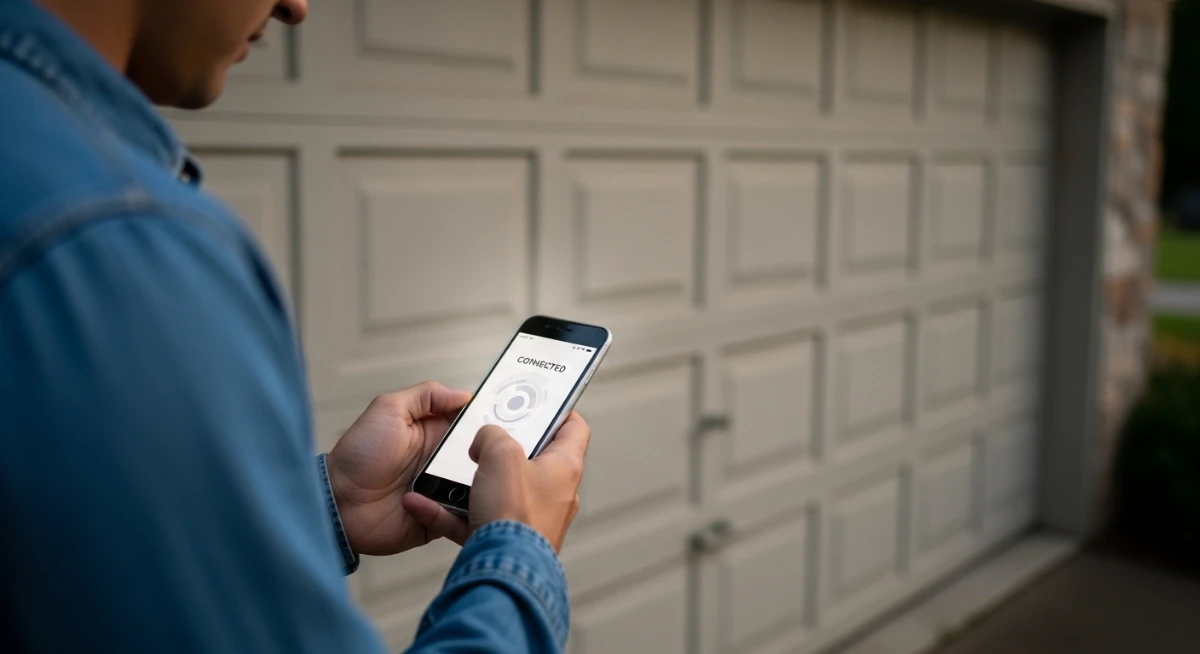
- check if MyQ stays online for 24 hours
- open/close the garage door multiple times
- test with garage door open and closed
If MyQ goes offline only when the door is closed, you still need better signal in that exact area (or a different placement).
Step 7: When a mesh system is the better solution
If your home is large, or the garage is far, mesh systems often outperform basic extenders because they manage roaming and coverage better. Many mesh nodes also provide more consistent 2.4GHz coverage near the edges of your house.
If you’re repeatedly fighting disconnects, upgrading to mesh can be more cost-effective than buying multiple cheap extenders.
FAQs
Where should I place a Wi‑Fi extender to reach my garage?
Usually inside the house near the garage wall—where it still receives a strong signal from the main router.
Should I put the extender in the garage?
Usually no, unless the router signal is already strong there. Most of the time it’s better just inside the house near the garage.
Why does MyQ go offline when the garage door is closed?
The door and structure can block signal. Improving coverage near the garage wall or using a mesh node often fixes it.
Related Posts: