LiftMaster Keypad Not Working After Battery Change: Reset and Reprogram Guide
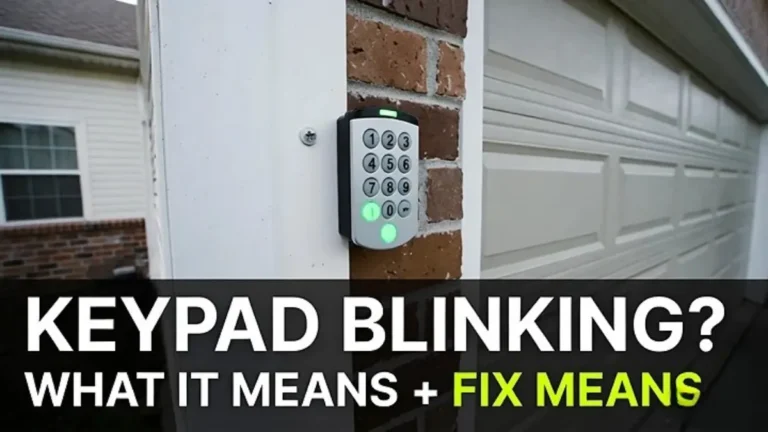
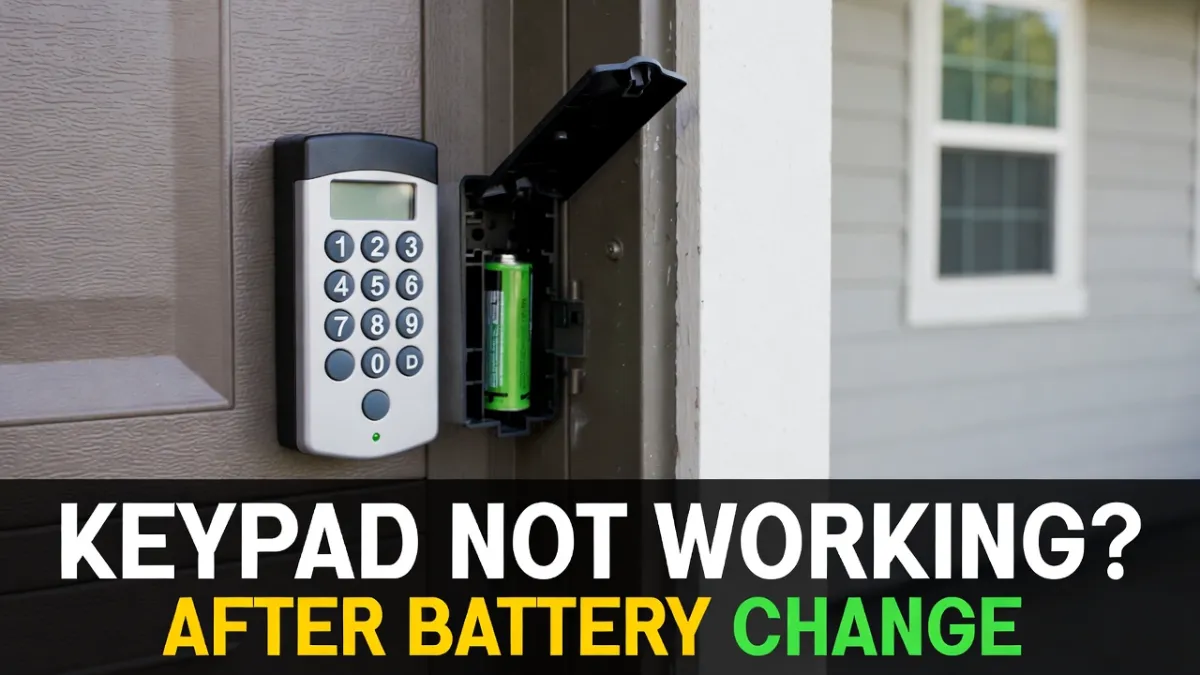
You swapped the battery, closed the cover, entered your code… and nothing happens. If your LiftMaster garage door keypad isn’t working after a battery change, it’s usually one of these issues: the battery isn’t making good contact, the keypad needs to be re-synced, the PIN got cleared, or the opener needs a fresh “Learn” pairing.
This guide walks you through the safest, most common fixes first, then shows how to reset and reprogram the keypad.
Note: LiftMaster models vary. The exact button sequence can differ slightly. If a step doesn’t match your keypad/opener, use the same concept but check your model manual for the precise pairing steps.
Not affiliated: This site is not associated with LiftMaster—this is general troubleshooting info.
Quick checks (do these before resetting anything)
1) Confirm the new battery is good (and installed correctly)
It sounds obvious, but it’s the most common problem after a battery swap.
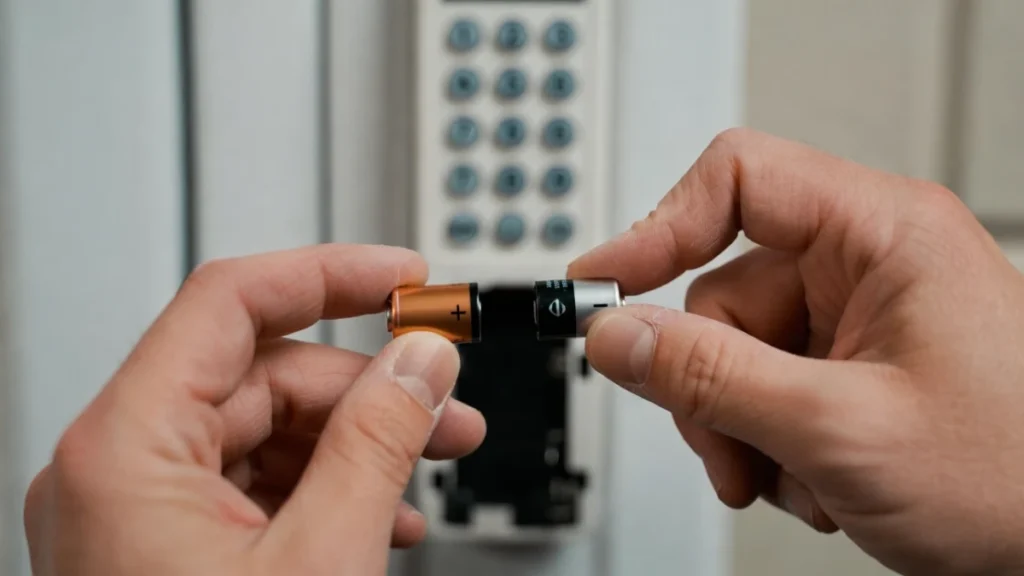
- Try a fresh, name-brand battery (cheap batteries can read “new” but fail under load).
- Make sure the battery is the correct type for your keypad.
- Check the polarity (+/–) is correct.
- Press keys firmly and look for any LED blink/beep (even a faint response is a clue).
2) Clean the battery contacts
If the old battery leaked slightly or there’s dust inside, the keypad can act dead.
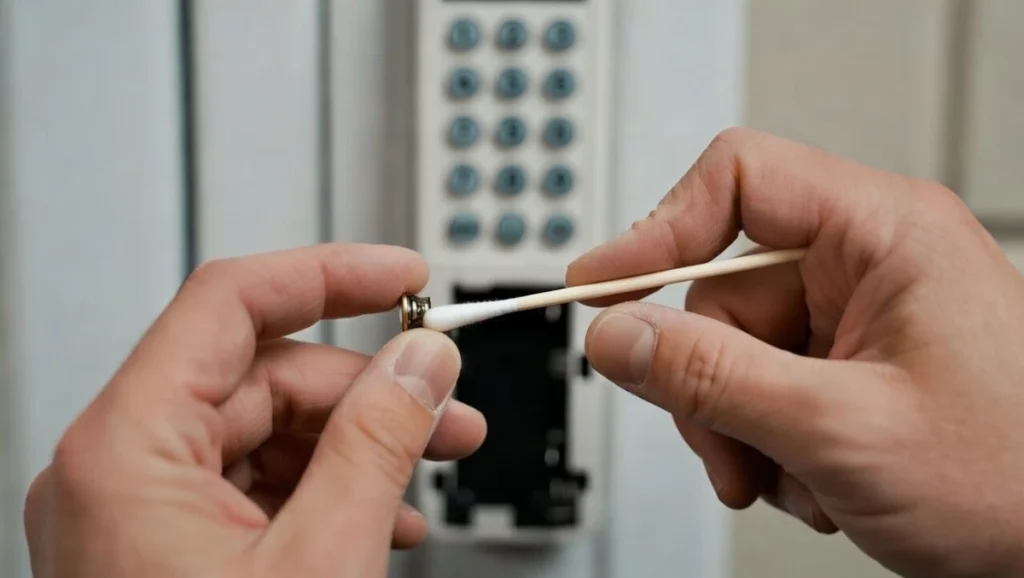
Open the battery compartment and gently wipe the metal contacts with a dry cloth or cotton swab. Make sure the battery fits snugly.
3) Make sure the keypad isn’t in “Lock” mode (wall control)
Some wall controls have a lock/vacation mode that disables wireless remotes and keypads.
If your remote works but keypad doesn’t, lock mode is less likely—but it’s still worth checking quickly on the wall control panel.
What the symptoms usually mean (fast diagnosis)
If the keypad has no lights/no beep at all
This usually points to:
- battery issue
- bad contact
- keypad failure (less common, but possible)
If it lights up but won’t open the door
This usually points to:
- wrong code (PIN cleared or changed)
- keypad not paired to opener anymore
- opener memory reset / Learn mode needed again
If it works sometimes, then stops
Often:
- weak battery
- worn keypad buttons
- interference/range issue
Fix #1: Reprogram the keypad (most common working solution)
In many cases, after a battery change the keypad needs to be paired again to the opener using the LEARN button on the motor unit.
Step-by-step: Pair keypad to LiftMaster opener (generic method)
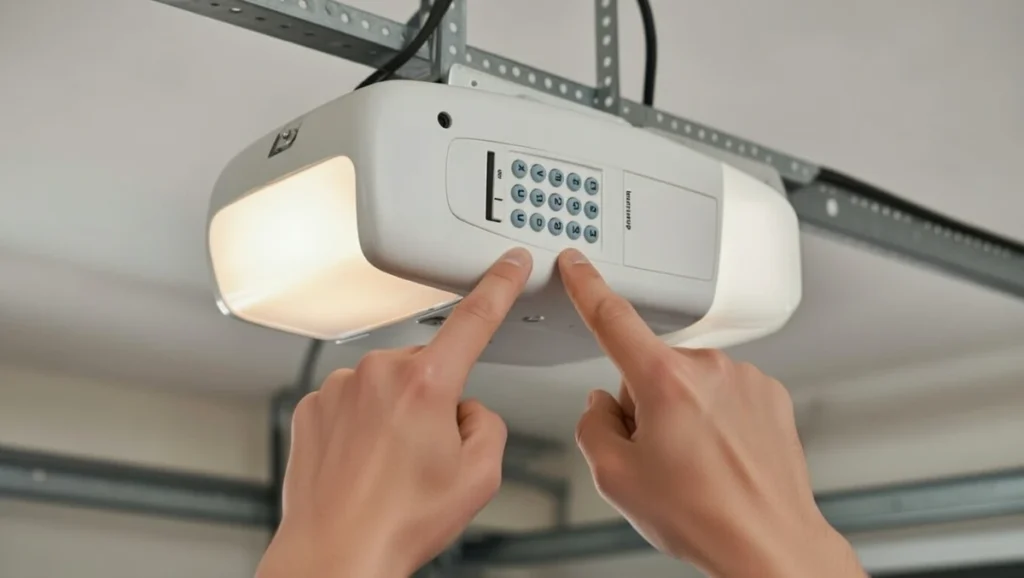
- Stand on a stable surface and locate the LEARN button on your LiftMaster opener (on the motor unit, usually behind the light cover).
- Press and release the LEARN button. You’ll usually see an LED turn on for about 30 seconds.
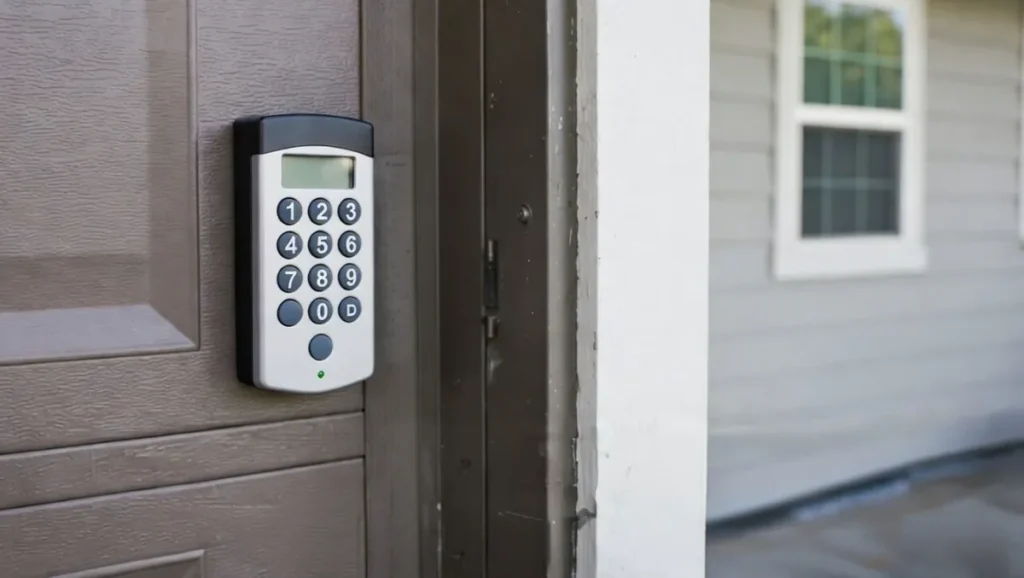
- Within that time window, go to the keypad and enter your 4-digit PIN (or your desired PIN).
- Press the keypad’s ENTER button.
- Wait for confirmation (you may see the opener lights flash or hear a click).
- Test by entering the PIN and pressing ENTER again.
If it doesn’t pair on the first attempt, repeat once calmly. Timing matters.
Tip: If you’re not sure which keypad button equals “Enter,” it’s typically labeled ENTER or has a down arrow.
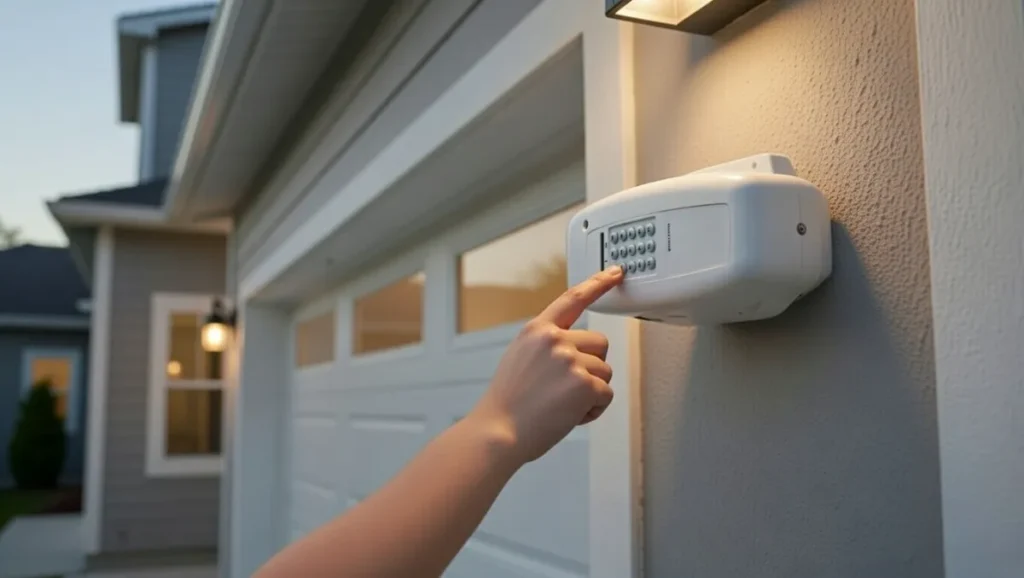
Fix #2: Reset the keypad (when reprogram doesn’t work)
If the keypad powers on but refuses to work—even after trying to pair—it may need a keypad reset (model-dependent). Some keypads store settings that can get “stuck” after battery changes or low-battery states.
Because LiftMaster has multiple keypad models, use this safe approach:
- Remove the battery for 60 seconds.
- Reinsert the battery and close the cover firmly.
- Try pairing again using the LEARN button steps above.
If your keypad model has a documented “factory reset” sequence, follow the manual. Avoid random button holds unless they’re confirmed for your model.
Fix #3: Clear and re-learn the opener’s memory (only if needed)
If you recently reset the opener or changed remotes, the opener may have cleared its memory, which can drop the keypad too.
Only do this if you’re okay re-pairing remotes/keypads afterward.
- Many openers clear memory by holding the LEARN button for several seconds until the LED turns off (varies by model).
- After clearing, pair the keypad again using the LEARN method.
If you’re unsure, skip this step and stick to keypad pairing first.
If the keypad still doesn’t work: common overlooked issues
Check distance and interference
Try entering your PIN while standing closer to the garage door, then again from farther away. If range is weak, possible causes include:
- weak battery (even if new)
- interference from LED bulbs in the opener (some LEDs create RF noise)
- antenna wire on the opener motor unit hanging down improperly or damaged
Check if the keypad is compatible
Older keypads may not work with some newer openers (and vice versa) without the right pairing method. If you know your opener model number, confirm keypad compatibility.
Button wear (very common on older keypads)
If certain numbers don’t register, your PIN entry won’t be correct. Try entering the PIN slowly and see if each key press shows a light/beep response.
When to replace the keypad
Replacement makes sense if:
- keypad shows no power response even with a fresh battery and clean contacts
- buttons are physically worn or cracked
- it pairs but immediately loses pairing repeatedly
A new keypad is often cheaper than repeated troubleshooting time.
FAQs
Why did my LiftMaster keypad stop working right after I changed the battery?
Usually because the new battery isn’t making solid contact, the keypad lost its saved PIN/pairing, or it needs to be re-synced to the opener using the LEARN button.
Do I need to reprogram the keypad after changing the battery?
Not always, but it’s common. If the keypad lights up but won’t open the door, reprogramming is the best next step.
My keypad lights up but the door won’t open—what does that mean?
It usually means the keypad is powered but not communicating correctly with the opener (pairing issue) or the PIN being entered isn’t the right one.
Can I fix this without touching the opener unit?
If it’s just a battery contact issue, yes. But if pairing is lost, you’ll usually need to press the LEARN button on the opener motor unit.