Chamberlain Remote Not Working But Wall Button Works: Quick Fixes (Step-by-Step)
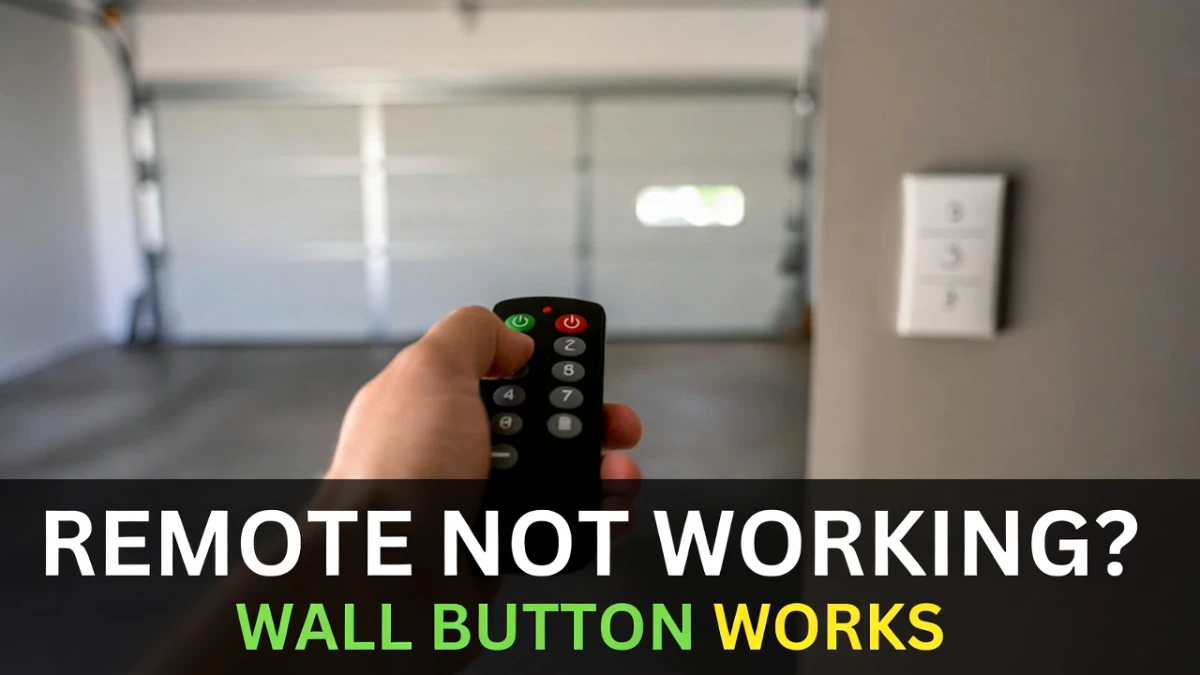
If your Chamberlain remote isn’t working but the wall button still opens/closes the door, that’s actually a helpful clue. It usually means the opener has power and the door mechanism is basically fine—your problem is likely with the remote, pairing, signal, or a wall-control setting.
This guide walks you through the most common fixes in the right order, starting with the quick stuff and moving to reprogramming only if needed.
Safety disclaimer: This is general troubleshooting info. Do not DIY anything involving garage door springs/cables or hardware under tension. If the door is off-track or acting unsafe, call a professional.
Not affiliated: This site is not associated with Chamberlain.
Quick diagnosis: What this symptom usually means
When the wall button works but the remote doesn’t, the most common causes are:
- The wall control is in Lock/Vacation mode (very common)
- Remote battery is weak, inserted wrong, or contacts are dirty
- LED light bulb interference is killing remote range (surprisingly common)
- The remote got unpaired and needs reprogramming (Learn button)
- Compatibility issue (wrong remote model) or a failing remote
Step 1: Check Lock/Vacation mode on the wall control (do this first)
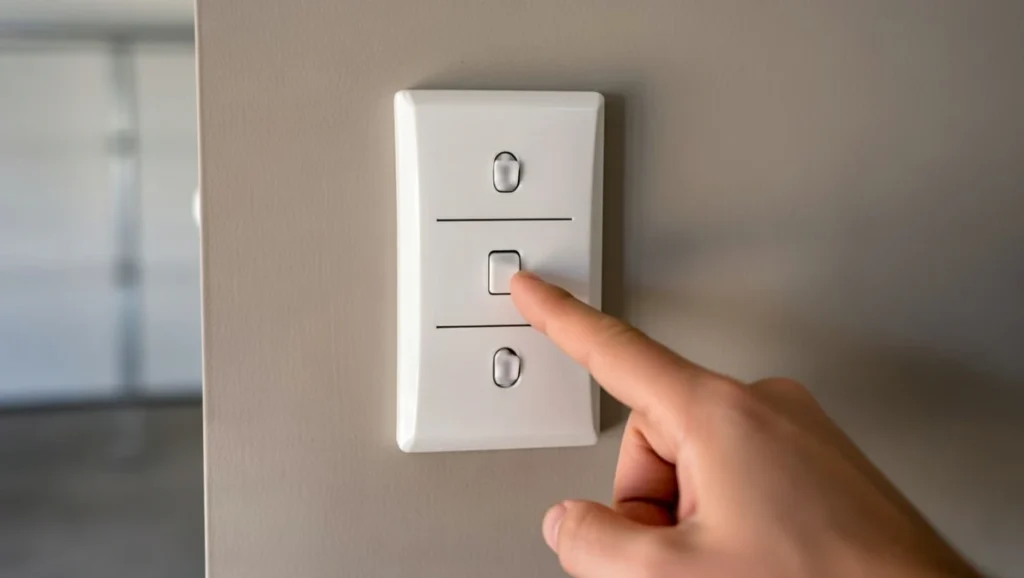
Many Chamberlain wall controls have a LOCK feature that disables remotes/keypads for security. When Lock mode is ON, the wall button often still works normally.
What to do:
- Look at your wall control panel for a LOCK button or lock icon.
- If the lock indicator light is on/blinking, turn Lock mode OFF (often by pressing and holding LOCK for a few seconds—exact method varies by model).
- Test the remote again.
If the remote suddenly works again, you’re done.
Step 2: Replace the remote battery (even if it “seems fine”)
Remote batteries can show enough power to light an LED but not enough to transmit reliably.
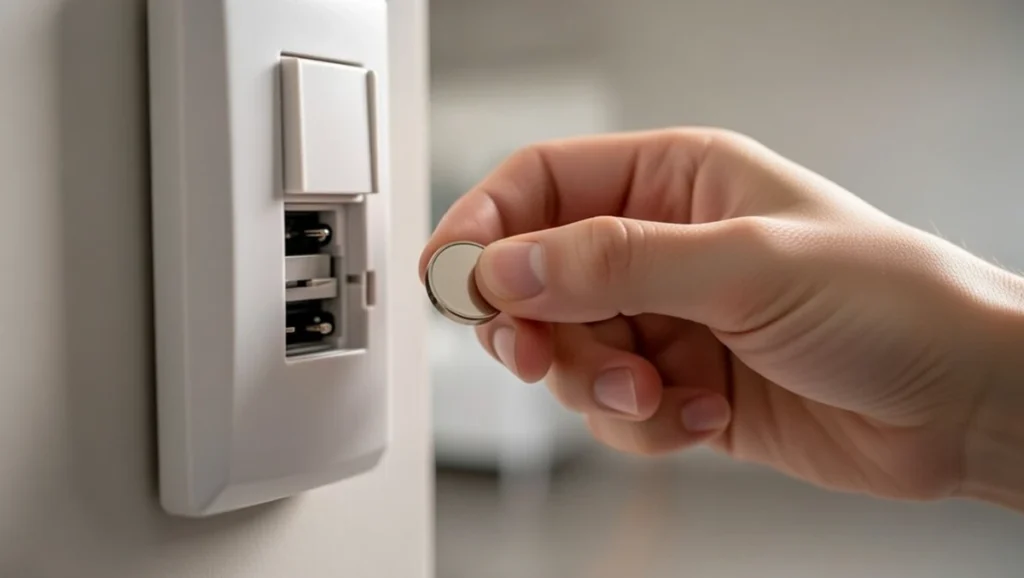
Do this carefully:
- Install a fresh, correct battery type
- Confirm the battery is oriented correctly (+/–)
- Make sure the battery contacts aren’t bent or dirty
After replacing, stand close to the garage door and test.
Step 3: Try the remote from very close range
This helps you separate a “dead remote” from a “range/interference” issue.
- Stand 3–6 feet from the opener/door.
- Try the remote.
If it works only up close (or works inconsistently), you likely have interference or an antenna/range problem, not a totally dead remote.
Step 4: Watch the remote’s indicator light (if your remote has one)
Many remotes flash a small LED when you press a button.
- No LED at all → battery, contacts, or remote failure
- LED is bright but opener doesn’t respond → pairing, lock mode, interference, compatibility, or receiver issues
Step 5: LED bulb interference (one of the biggest “mystery” causes)
A lot of modern LED bulbs (especially cheap ones) create RF noise that blocks the remote signal. People often notice the remote works sometimes, but not when the opener light is on—or the range suddenly got worse after changing bulbs.
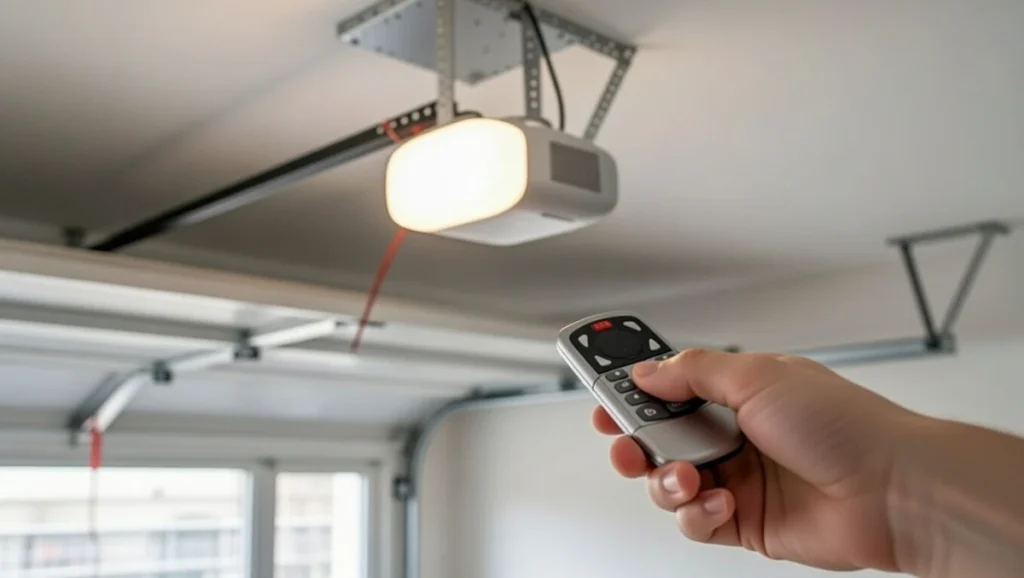
Quick test:
- Turn on the opener light (or wait until it turns on automatically).
- Try the remote.
- Then try again with the opener light OFF.
If remote works better with the light off:
- Replace the bulb with a garage-door-opener-compatible LED (or an older incandescent/CFL temporarily to test).
- Also check bulbs in the garage ceiling nearby—interference can come from more than one bulb.
This single change fixes a lot of “remote not working” cases.
Step 6: Check the opener antenna (simple visual check)
Most openers have a short hanging antenna wire.
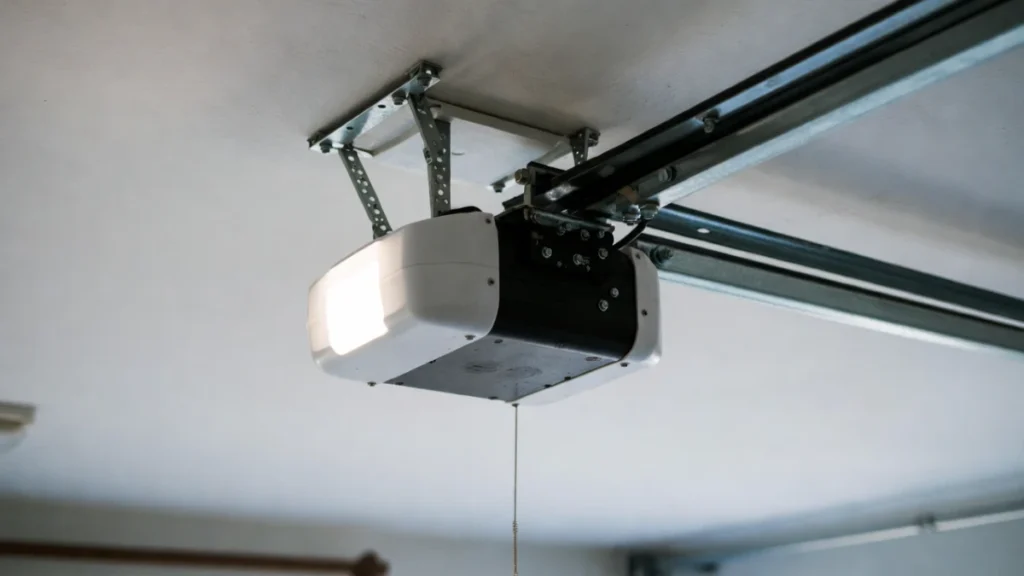
- Make sure the antenna wire is hanging down and not tucked up inside the unit.
- If it looks damaged, kinked, or pinched, that can reduce range.
(If you’re not comfortable opening anything, keep this as a visual-only check.)
Step 7: Reprogram (pair) the remote to the opener (Learn button method)
If battery + lock mode + interference checks didn’t fix it, pairing is the next most likely solution.
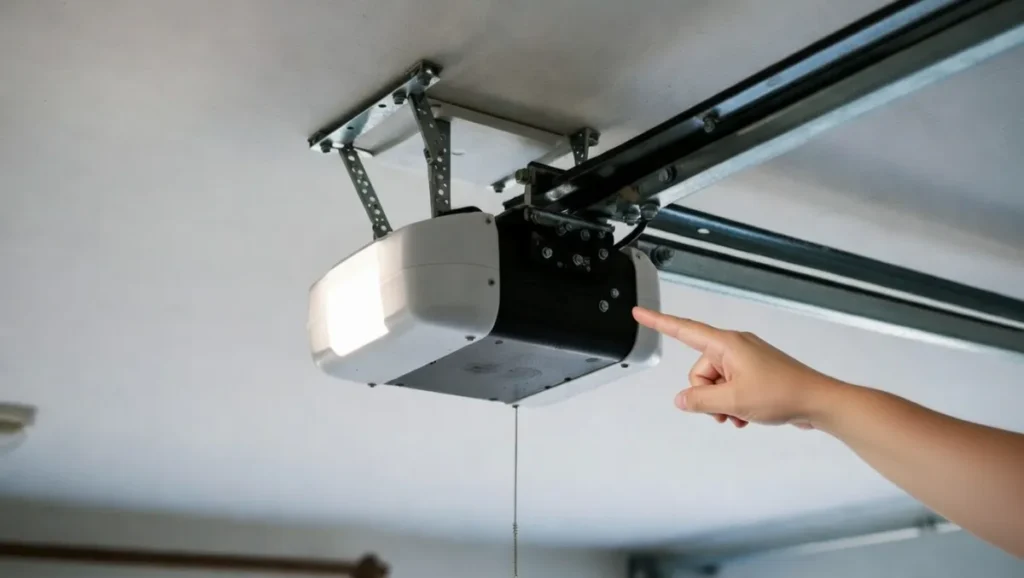
General Chamberlain method (varies slightly by model):
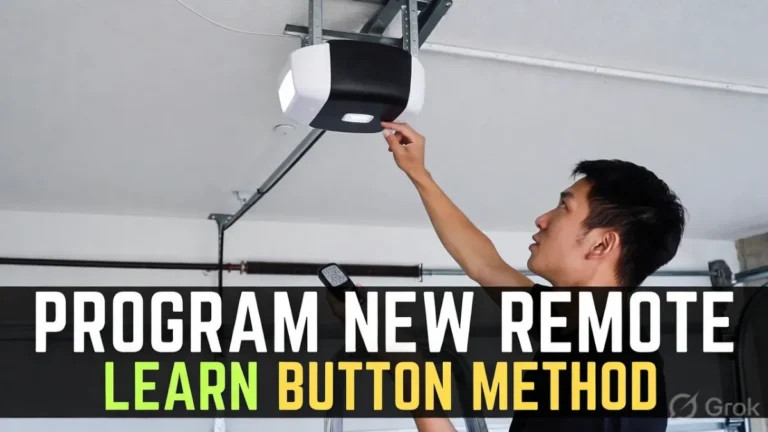
- Locate the LEARN button on the opener motor unit (often behind the light cover).
- Press and release LEARN. An indicator light usually turns on for ~30 seconds.
- Within that time, press the remote button you want to use.
- Wait for confirmation (opener light flash/click).
- Test the remote.
If it fails:
- Try again, but stay very close to the opener for the first pairing attempt.
- Confirm you’re using a compatible remote.
Step 8: Confirm remote compatibility (wrong remote = endless frustration)
Not every Chamberlain remote works with every Chamberlain opener, especially across different years/technology.
If you don’t know the opener model:
- Look for a label on the opener housing (model number).
- Check the “learn button color” concept (commonly referenced in manuals) to match remote type—use official documentation for your specific model.
If you’re using a universal remote:
- Re-run the programming steps for your exact opener type.
Step 9: If you recently cleared the opener memory, you must re-add everything
If you held the Learn button to erase all remotes (or the opener was reset), your wall button can still work but all remotes/keypads will stop until reprogrammed.
In that case:
- Reprogram the remote again (Step 7)
- Reprogram any keypad as well (if you have one)
Step 10: Remote works sometimes, then stops (what that usually points to)
Intermittent behavior is commonly:
- LED interference
- weak battery
- loose battery contacts
- a remote button that’s worn out
If you’ve already handled bulbs and battery, and it still comes and goes, replacement remote may be the most time-efficient fix.
When it might NOT be the remote
If multiple remotes stop working at the same time, but the wall button works, suspect:
- Lock mode
- receiver/interference (bulbs)
- opener receiver issue (less common)
If the door also refuses to close, reverses, or the opener light is blinking during closing, you may have a sensor issue instead of a remote issue. (Your sensor cluster posts can be linked here.)
FAQs
Why does my wall button work but my Chamberlain remote doesn’t?
Most often it’s Lock mode, a weak battery, LED interference, or the remote needs to be reprogrammed using the Learn button.
How do I know if it’s interference vs the remote being dead?
Try the remote very close to the opener. If it works up close but not from the driveway, it’s usually interference (often LED bulbs) or antenna/range.
Do I need to reprogram after changing the battery?
Not always, but it can happen—especially if pairing was already weak or the remote is older. Reprogramming is a safe next step.