Garage Door Keypad Keeps Blinking: What It Means and How to Fix It
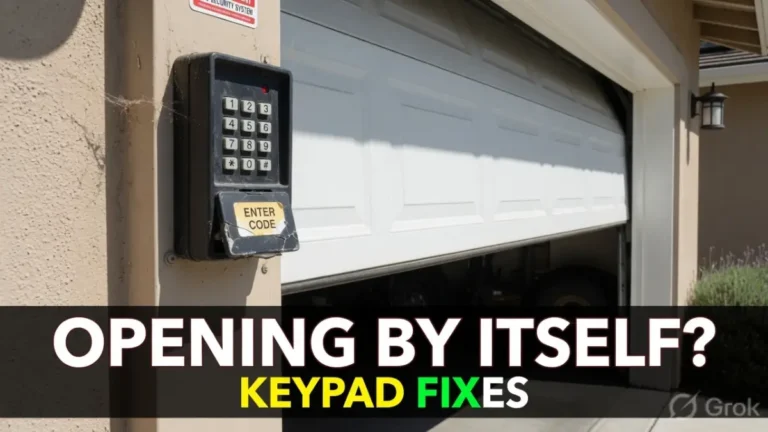
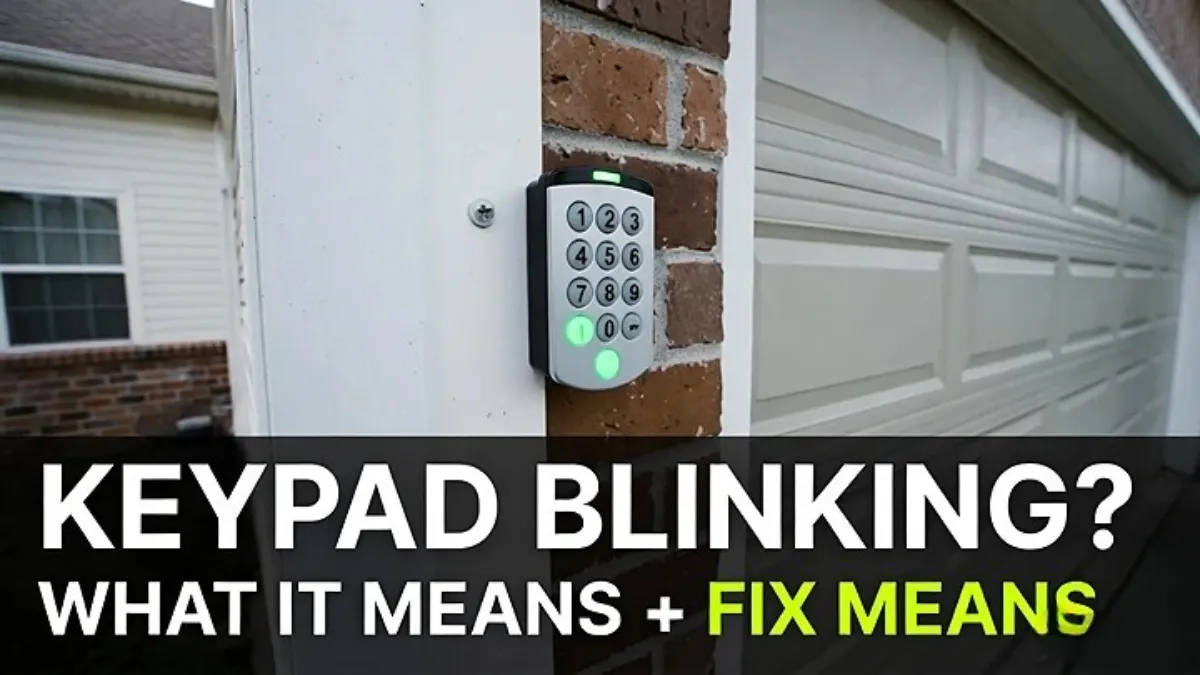
If your garage door keypad keeps blinking, it’s the keypad’s way of telling you something is wrong—usually a battery, lockout, or pairing/communication issue. The good news is that most blinking-keypad problems are fixable in a few minutes without touching anything dangerous on the door.
This guide will help you figure out what the blinking likely means and what to do next, step by step.
Safety note: This post is about keypad/controls only. Do not attempt DIY work on springs/cables or door hardware under tension.
First: what kind of “blinking” are you seeing?
Before you troubleshoot, notice one detail, because it changes the diagnosis:
A) Does the keypad blink only when you press a button?
B) Or is it blinking continuously even when you’re not touching it?
C) Does it blink after you enter the code (like it’s rejecting it)?
If you can answer that, you’ll solve it faster.
Common meanings of a blinking keypad (quick guide)
Exact blink codes vary by brand/model, but these patterns are common:
| What you notice | What it often means | Best first fix |
|---|---|---|
| Keypad blinks and does nothing after code | Wrong PIN, lock mode, or not paired | Check lock mode, then reprogram |
| Blinks/dims randomly, especially in cold | Weak battery | Replace battery |
| Blinks rapidly after many attempts | Temporary lockout | Wait 30–60 sec (sometimes a few minutes) |
| Blinking + some keys don’t respond | Worn or stuck button | Test each key, consider replacement |
| Blinking continues with no input | Battery/board glitch or moisture | Replace battery, dry keypad, reset/reprogram |
Now let’s fix it in a clean order.
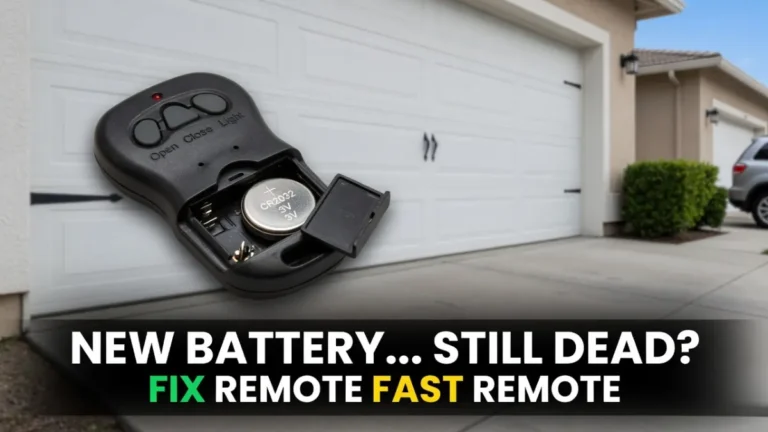
Step 1: Replace the battery (most common real-world fix)
A low battery is the #1 cause of “blinking keypad” complaints—especially if the keypad is outside in heat/cold.
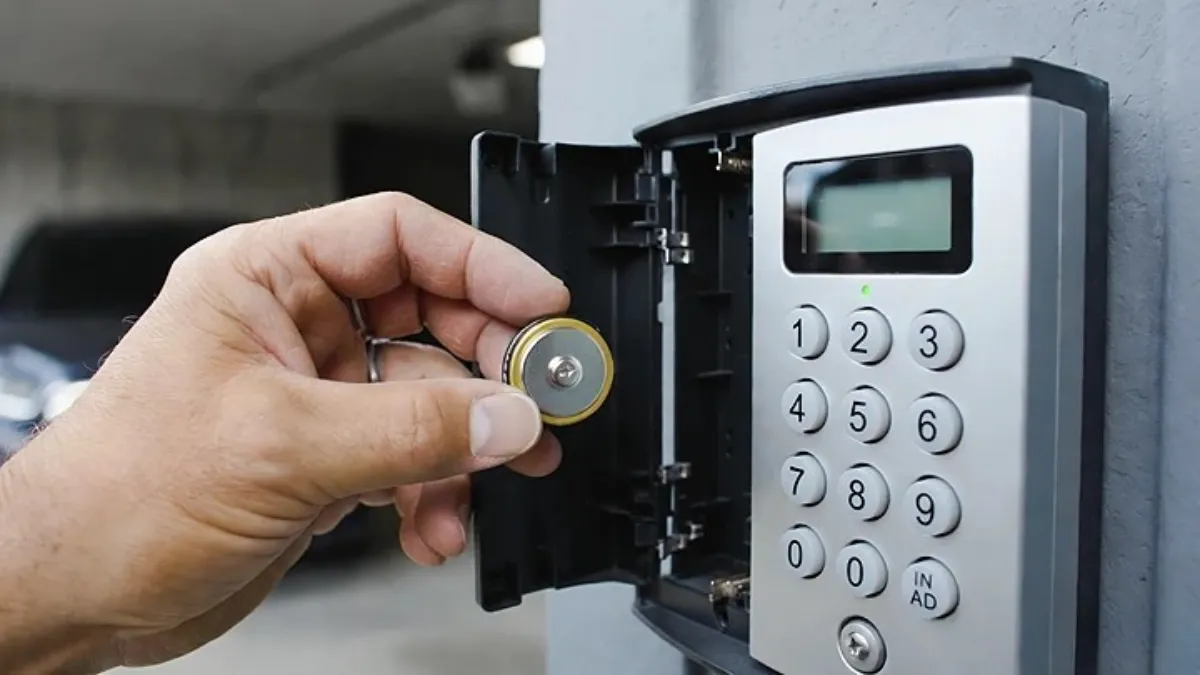
Even if the keypad lights up, a weak battery can still cause blinking and failed transmissions. Replace it with a fresh, good-quality battery, and make sure the battery contacts are clean and tight.
After replacing the battery, test the keypad again before you do anything else. If the blinking is gone, you’re done.
Step 2: Check Lock/Vacation mode on the wall control (easy to miss)
Many wall control panels inside the garage have a Lock feature that disables wireless entry like remotes and keypads.
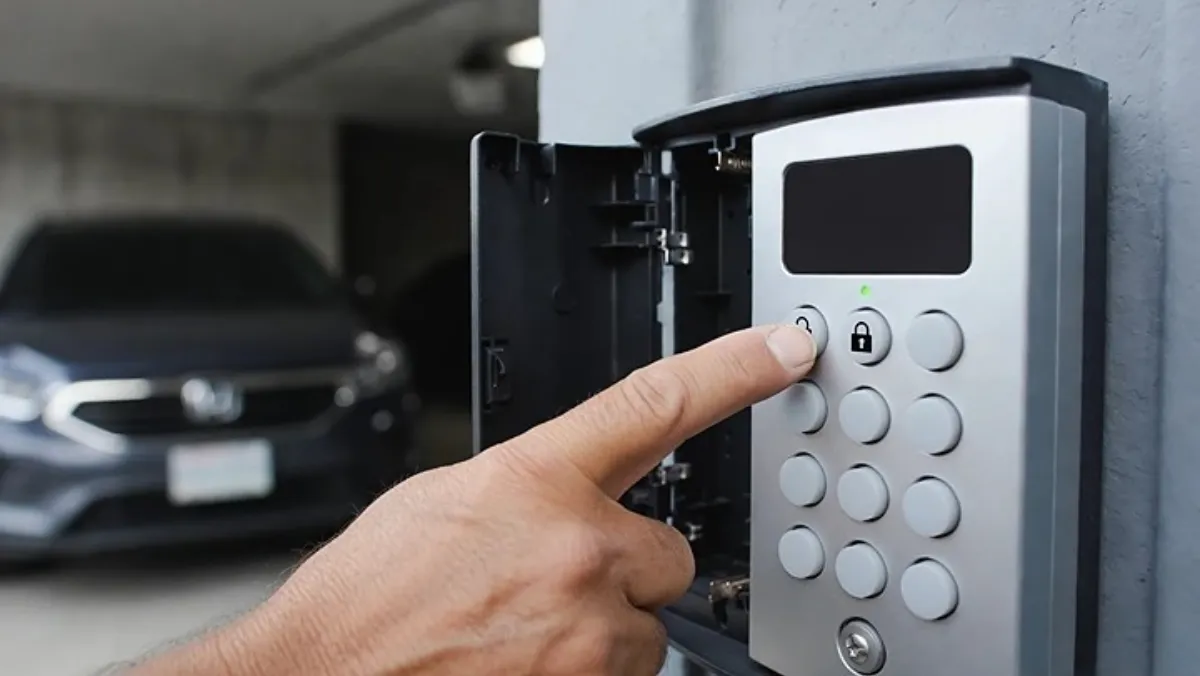
When lock mode is on, the keypad may light up and blink, but the door won’t respond.
Go inside and check the wall control for a lock indicator. Turn lock mode off, then try the keypad again.
Step 3: Make sure you’re entering the code correctly (and the keypad is registering each press)
Blinking can also be the keypad “rejecting” your input.
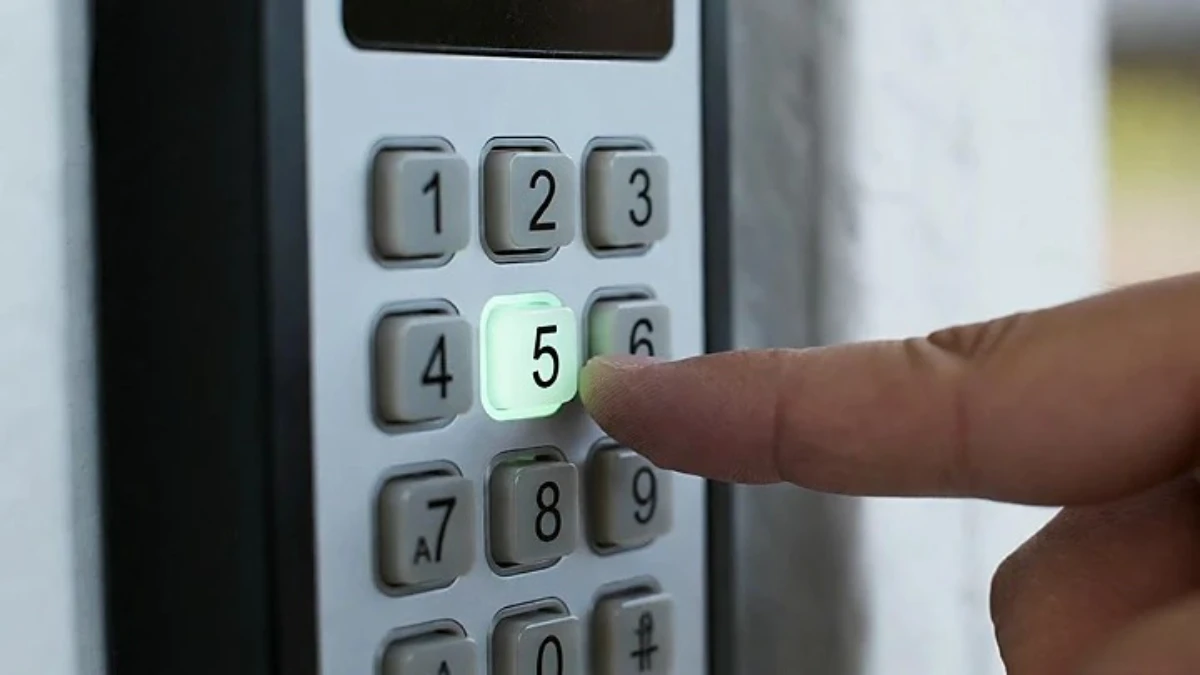
Enter your PIN slowly and firmly. If your keypad normally beeps or flashes per key press, confirm that every press is being registered. If one number key is inconsistent, your code entry won’t match—even if you think you typed it correctly.
A keypad with worn buttons often starts as “blinking issue” and ends as “replace the keypad” because the buttons just aren’t reliable anymore.
Step 4: If it blinks after several wrong tries, you may be locked out temporarily
Some keypads do a short security lockout after repeated failed attempts. That can look like rapid blinking, or it may just refuse to accept input for a short time.
If you think you entered the wrong code a few times, stop pressing buttons and wait. Give it at least 60 seconds, then try again carefully.
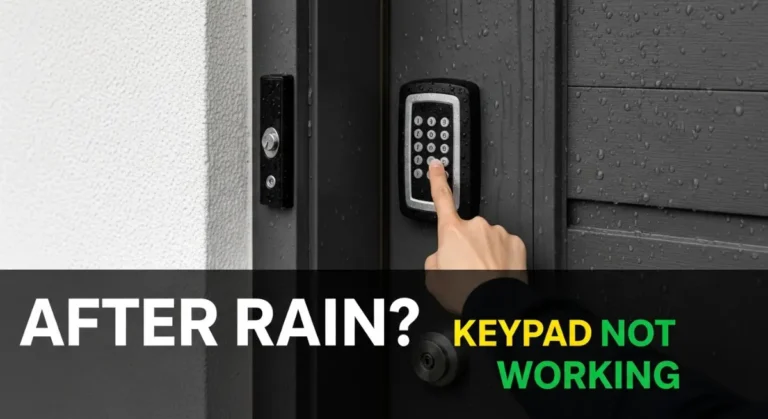
Step 5: Check for moisture, dirt, or insects (outdoor keypads get abused)
If your keypad is outside, blinking can be caused by moisture or grime around the buttons and contacts.
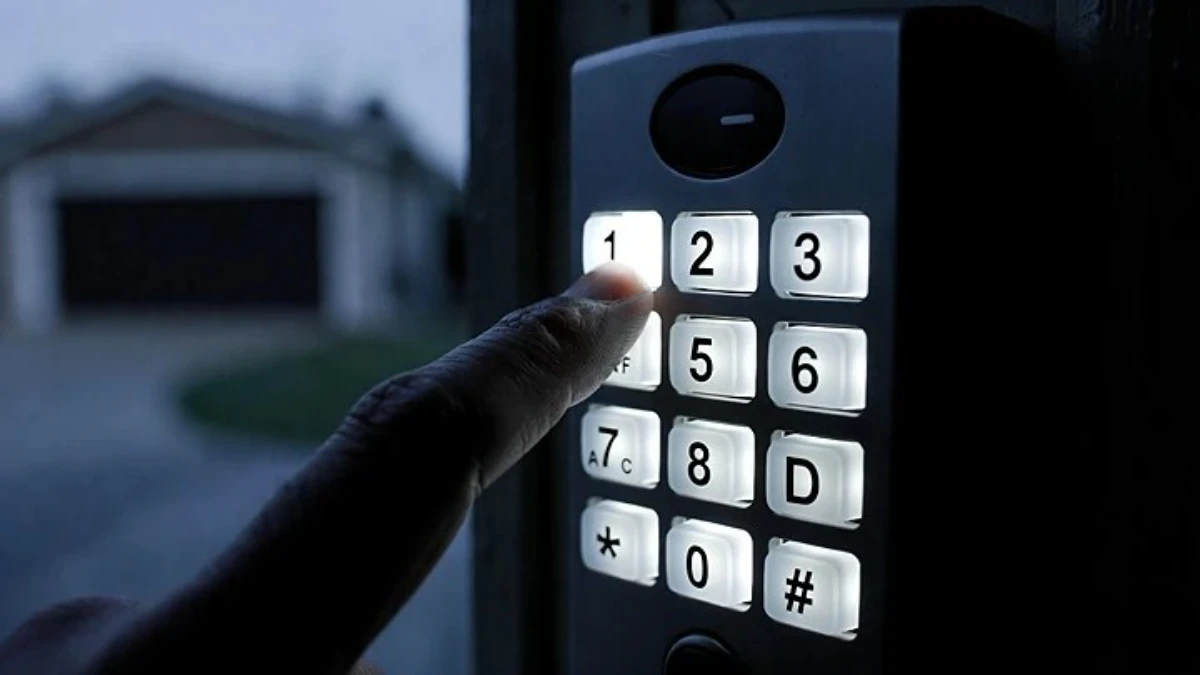
Look for:
- water droplets/condensation under the cover
- frost or ice (winter)
- dirt packed around the keys
- insect nests/webs
Wipe the keypad dry and clean the area. If it starts working after drying but fails again later, weather exposure is part of the problem.
(You can link your “keypad not working in cold weather” post here later.)
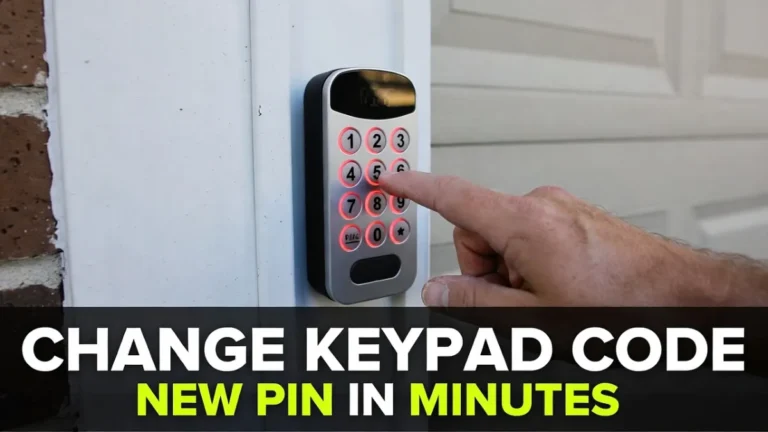
Step 6: Reprogram the keypad (pair it again) if the door still won’t respond
If the door works from the wall button but the keypad keeps blinking and won’t open the door, it may have lost pairing.
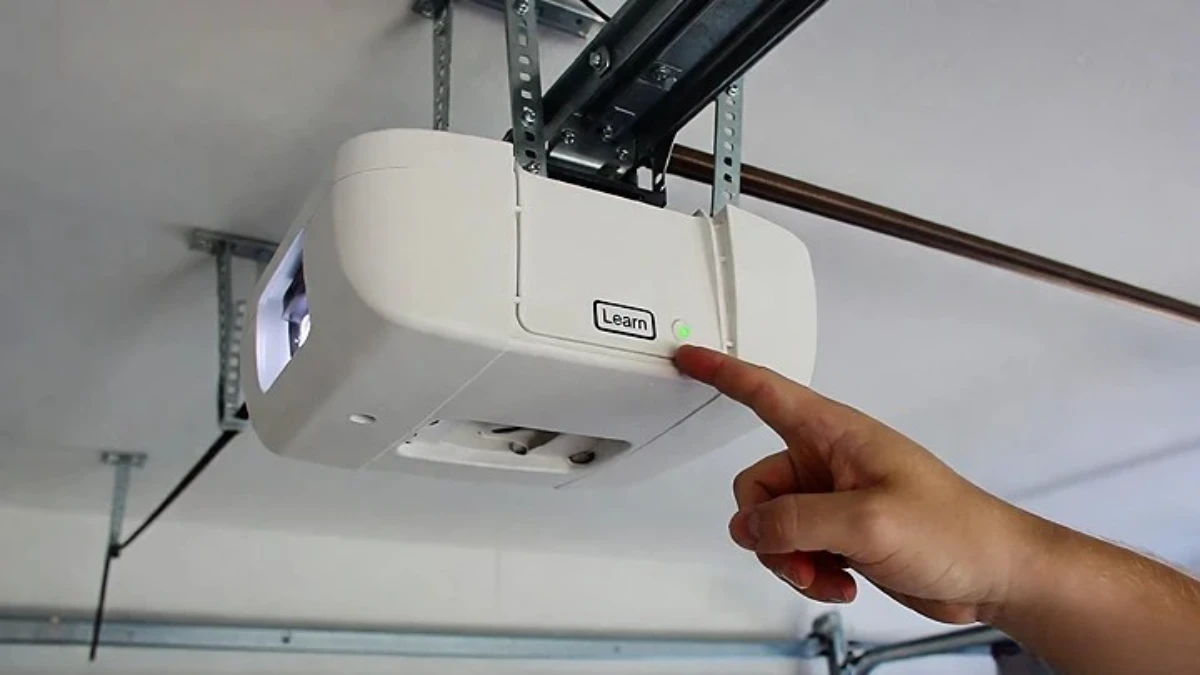
Most systems reprogram like this: you press the opener’s Learn button on the motor unit, then enter a PIN on the keypad and press Enter to store it. The opener confirms with a light flash or click.
Because exact steps vary by keypad model, follow your manual for the exact sequence—but the Learn-button method is the standard approach on most modern openers.
If you already created this post on your site, it’s the perfect internal link:
- How to Change Your Garage Door Keypad Code (PIN)
Step 7: When replacement is the best option
If you’ve tried a fresh battery, confirmed lock mode is off, and reprogramming still doesn’t fix it, the keypad itself may be failing—especially if:
- buttons don’t register reliably
- the blink pattern is random or constant
- it only works when you press unusually hard
- it behaves worse in cold or wet conditions year after year
At that point, replacing the keypad is often cheaper than spending more time troubleshooting.
FAQs
Why is my garage keypad blinking and not working?
Most often it’s a weak battery, lock mode, a temporary lockout, or the keypad lost pairing and needs to be reprogrammed.
My keypad blinks but the door works from the wall button—what does that mean?
It usually means the opener is fine. The issue is keypad code/pairing/lock mode, not a mechanical door problem.
Should I reprogram the keypad after changing the battery?
Not always, but it’s a common fix if the keypad powers on but won’t trigger the opener.