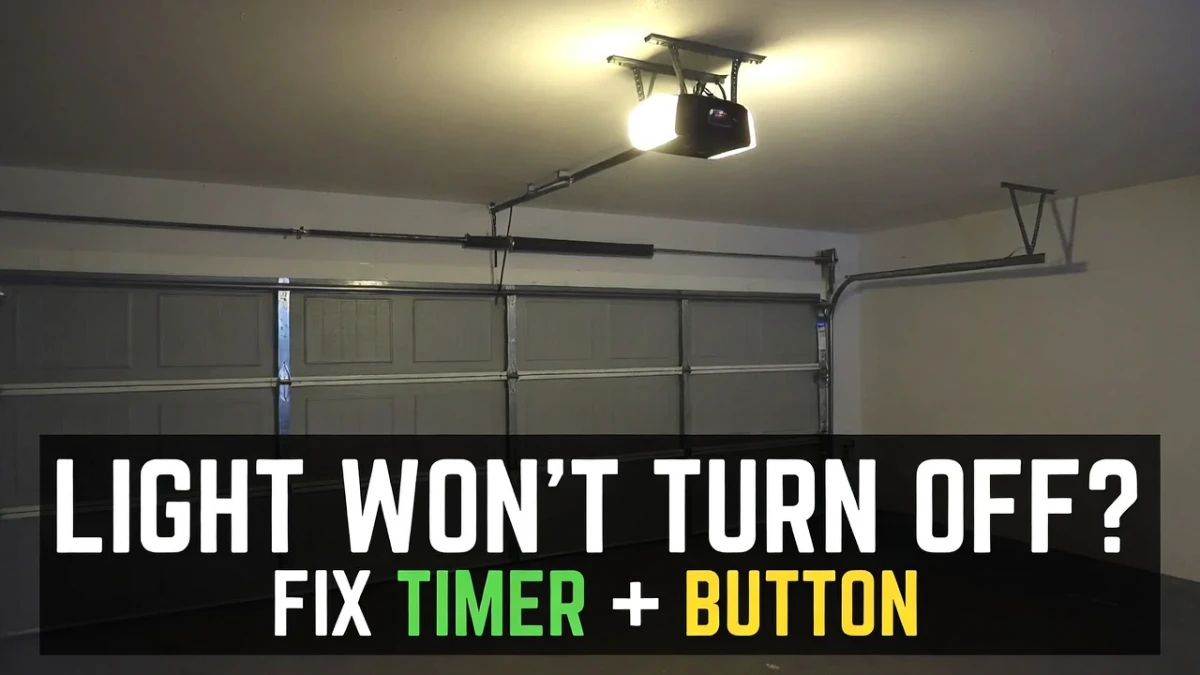
Garage Door Opener Light Won’t Turn Off: Causes and Fixes (Timer, Sensors, Wall Control)
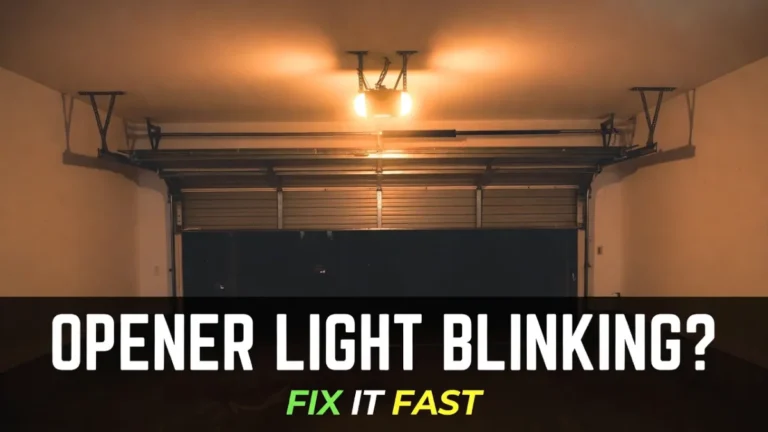
Garage Door Opener Light Won’t Turn Off: A garage door opener light that won’t turn off can be annoying—and it can also make you wonder if something is “stuck” or unsafe. The good news is that in many cases, a light that stays on is caused by a simple setting (like a timer), a wall control button, or a temporary logic glitch—not a major repair.
This guide walks you through the most common causes and what to do about them, in a safe order.
Safety note: This is electrical/control troubleshooting only. Do not open or repair springs/cables or anything under tension. If you’re not comfortable with electrical checks, stick to the safe steps (power cycle, wall control checks) or call a technician.
Quick answer: why the opener light stays on
Most “won’t turn off” issues come from one of these:
- The light timer/delay is set longer than you think (or changed accidentally)
- The wall control’s light button is stuck or turned on manually
- A wall control or keypad is sending a constant “light on” signal
- Motion/activity triggers keep the opener thinking someone is present (some smart controls)
- A power glitch confused the opener’s logic (a reboot fixes it)
- Rarely: a failing logic board or wiring short
You don’t have to guess—each step below rules out a category of causes.
Step 1: Wait for the normal light timer (then test again)
Most openers keep the light on for a set time after use—commonly 3 to 5 minutes. Some setups allow 10 minutes or longer.
Before changing anything, do a clean test: open and close the door once, then start a timer. If the light turns off after a predictable time, your opener is probably functioning normally—you just have a longer timer setting.
If it never turns off, move to the next step.
Step 2: Check the wall control “Light” button (most common real-world cause)
Many wall control panels have a LIGHT button. If someone pressed it, the opener light can stay on continuously until it’s pressed again.
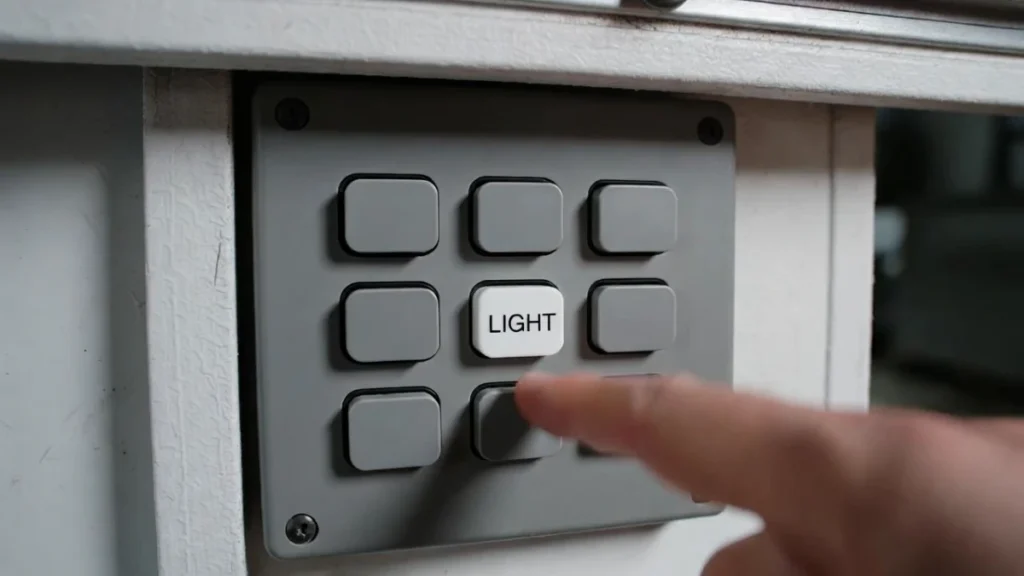
Look at your wall control and press the light button once. Then wait a minute to see if the light turns off. If it does, that’s all it was.
If your wall control has a “lock” feature, be careful not to hold the wrong button. You’re only toggling the light here.
Step 3: Check if a wall control button is stuck
If the light button feels stuck, mushy, or doesn’t click normally, the opener may “think” the light button is being pressed constantly.
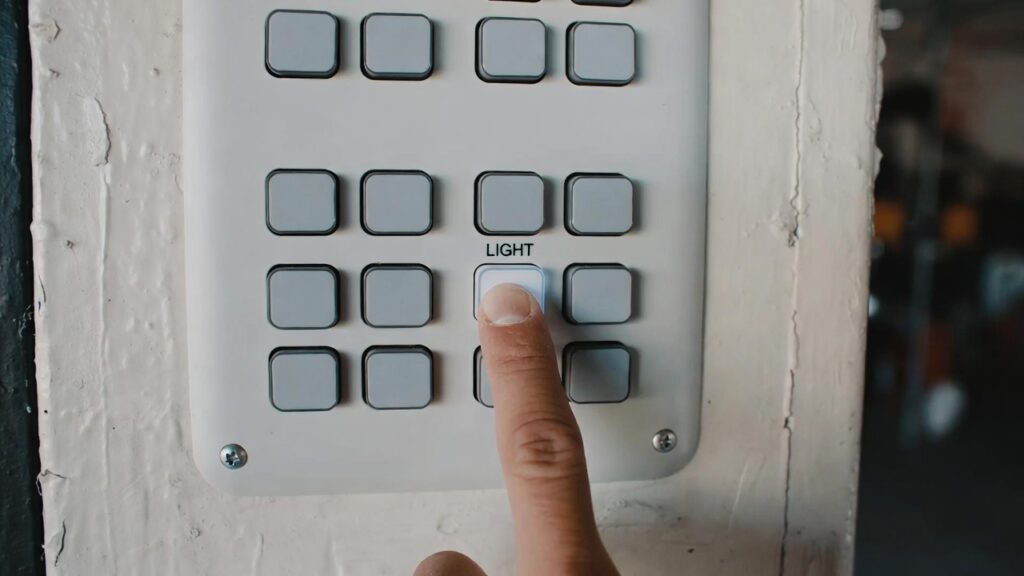
A simple test is to press the light button several times and see if it changes the light behavior. If the light flickers or reacts inconsistently, the wall control might be failing.
If you have a spare wall control or the ability to disconnect the wall control temporarily (only if you’re comfortable), that can confirm the issue. Otherwise, a technician can test it quickly.
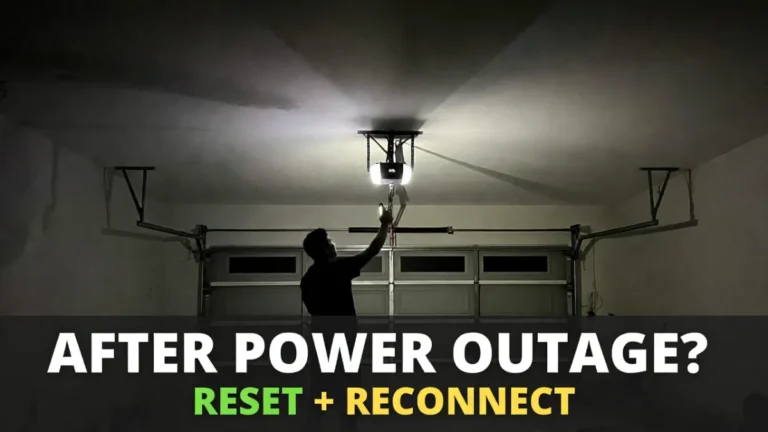
Step 4: Power-cycle the opener (safe reset that often works)
If the light won’t turn off after checking the wall control, do a clean reset:
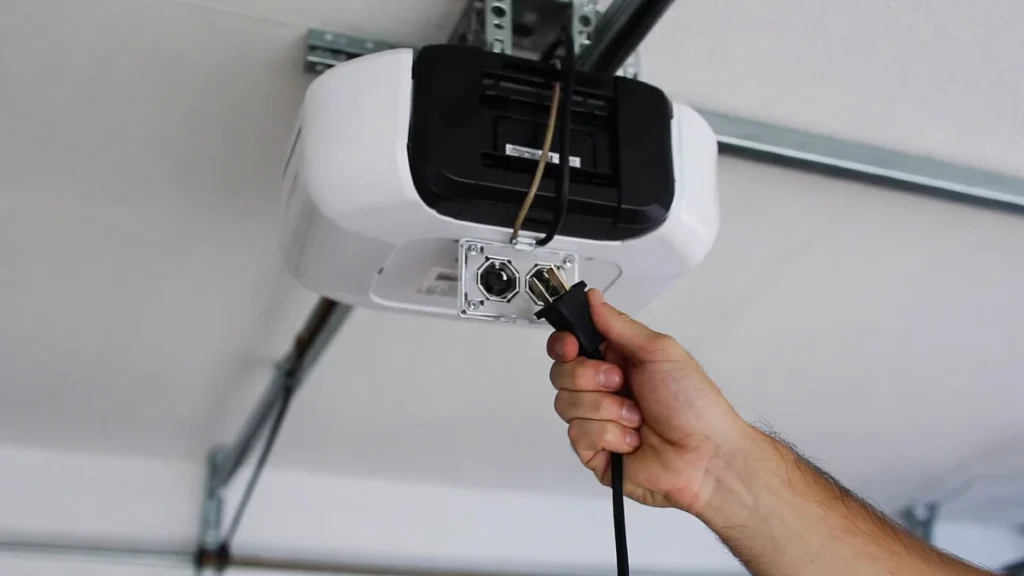
Unplug the opener for 30–60 seconds, then plug it back in. Wait a minute and see if the light returns to normal behavior.
This step fixes many “stuck light” problems caused by minor glitches after power events.
Step 5: Check opener light settings (timer, motion, myQ smart controls)
Some openers and smart wall consoles let you change how long the light stays on, or trigger lights based on motion/activity.
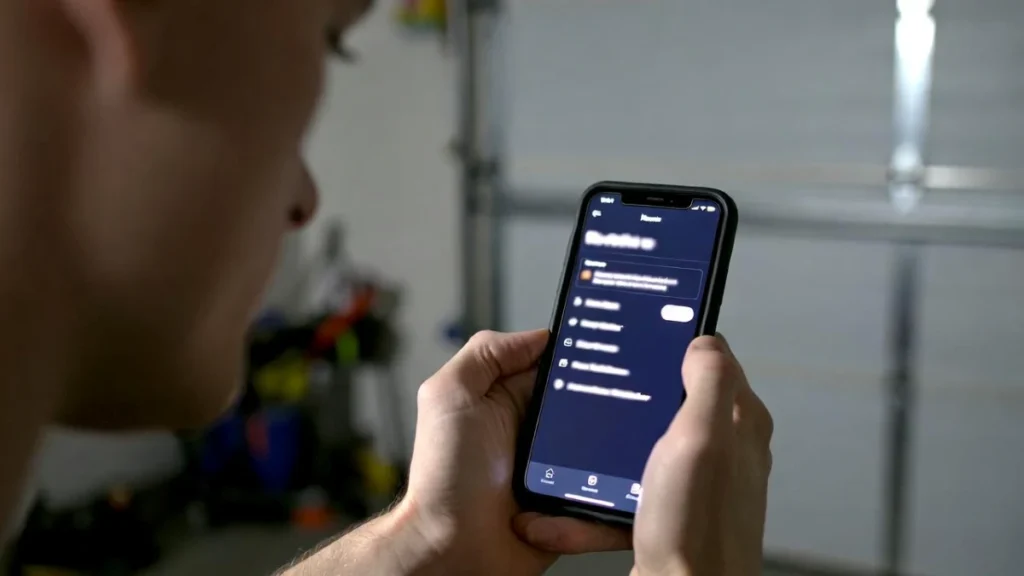
If you recently changed settings in the MyQ app or on the wall console, review light timer options. On some systems, there’s also a “light always on” mode.
Because settings vary by model, your manual is the most reliable source for the exact menu/button sequence. The important point is: a “stuck light” can be a setting, not a fault.
Step 6: Consider LED bulb quirks (rare, but happens)
This is less common than remote interference, but certain LED bulbs can behave oddly in some opener light sockets (flickering, staying dim, not turning fully off).
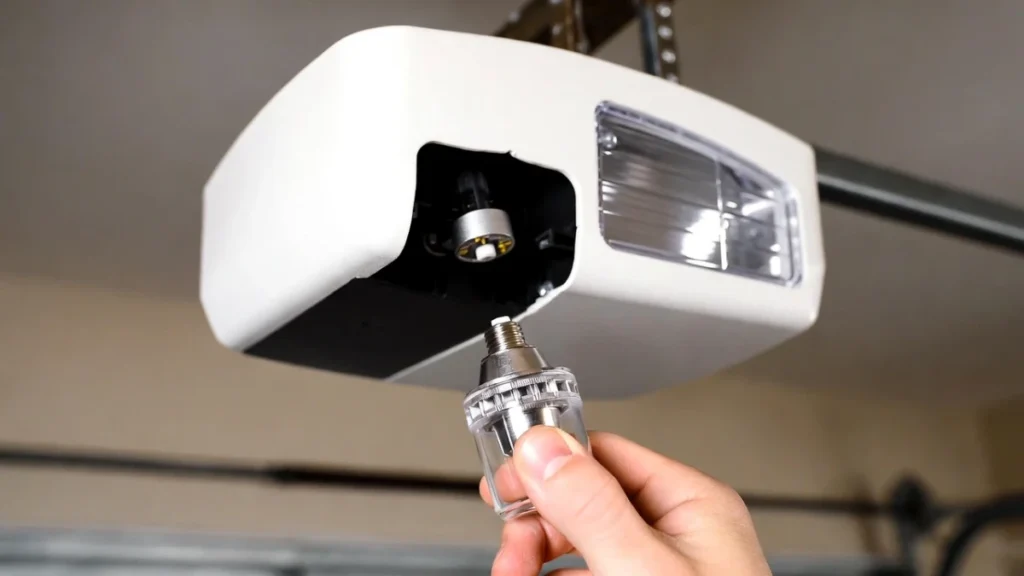
If you recently swapped bulbs and the problem started immediately, try replacing the bulb with an opener-compatible LED (or test with a different bulb). If the light behavior returns to normal, the bulb was the culprit.
Step 7: If the light stays on and the opener behaves strangely
If the light won’t turn off and you also notice other weird behavior—random beeping, random door movement attempts, or constant clicking—then you may have a control/wiring/board issue.
At that point, it’s reasonable to call a garage door technician, because diagnosing a logic board or wiring short is not a “guessing game” you want to do as a homeowner.
When to call a professional
Call a pro if:
- the wall control is clearly failing or stuck
- power cycling doesn’t help
- the light stays on and other symptoms appear (beeping, random behavior)
- you suspect wiring damage
FAQs
Why won’t my garage opener light turn off?
Most often the wall control light button is on, the timer setting is long, or the opener needs a reset after a power glitch.
Is it dangerous if the light stays on?
Usually no, but it can indicate a stuck wall control button or control issue. If you see other symptoms, get it checked.
Will unplugging the opener reset the light problem?
Often yes. A 30–60 second power cycle clears many stuck-light glitches.