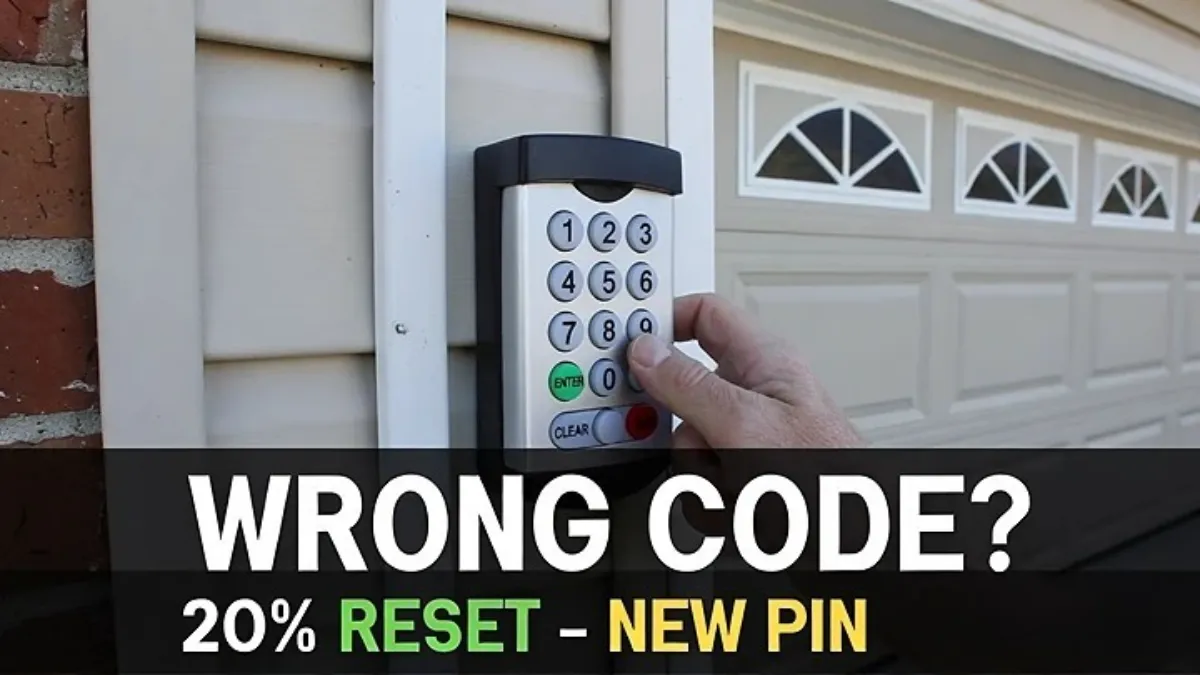
Garage Door Keypad Wrong Code? How to Reset and Set a New PIN (Forgot the Code)
If your garage door keypad keeps rejecting your code, it’s tempting to keep trying different combinations—especially if you’re sure you “used the same PIN for years.” But repeated wrong attempts can trigger temporary lockouts, and you can waste a lot of time guessing.
The better approach is to treat it like a system problem: confirm the opener still works, check for lock mode, then reset/reprogram the keypad properly using the opener’s Learn button. In most modern setups, you can set a new PIN even if you don’t remember the old one.
Safety note: This guide is about keypad programming. You’re not touching springs/cables or door hardware under tension.
Quick answer (what to do if the keypad says “wrong code”)
If the keypad lights up but rejects the code, do this in order:
- Confirm the door works from the wall button (so you know opener is fine).
- Check Lock/Vacation mode (it can mimic “wrong code”).
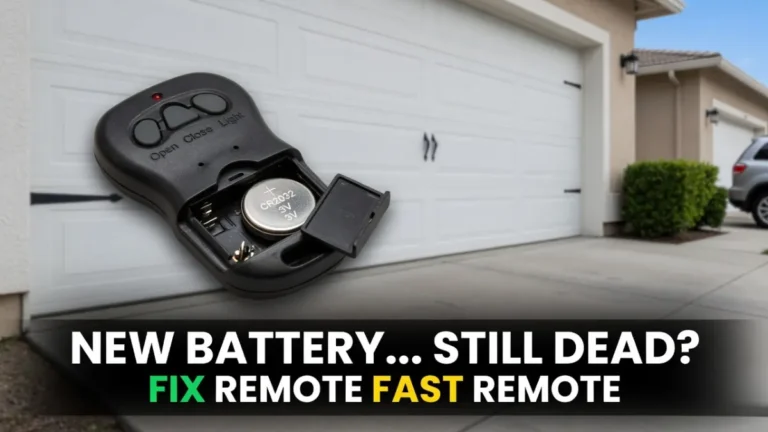
- Replace keypad battery if it’s weak (weak battery can cause bad input).
- Stop guessing and reprogram a new PIN using the Learn button.
Step 1: Confirm the opener and door still work (wall button test)
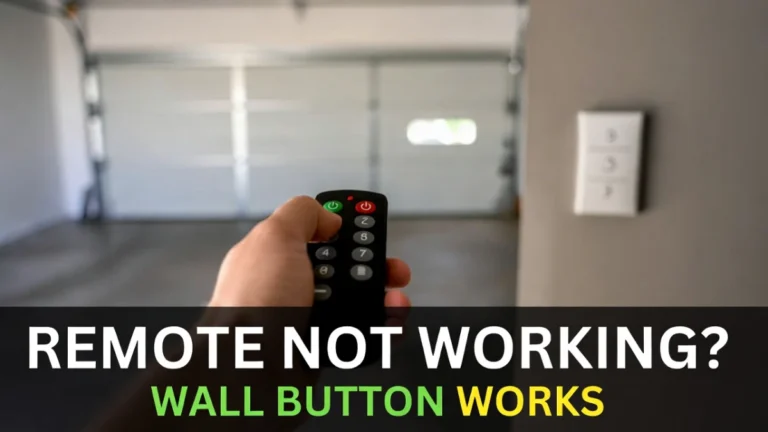
Go inside the garage and use the wall button to open/close the door.
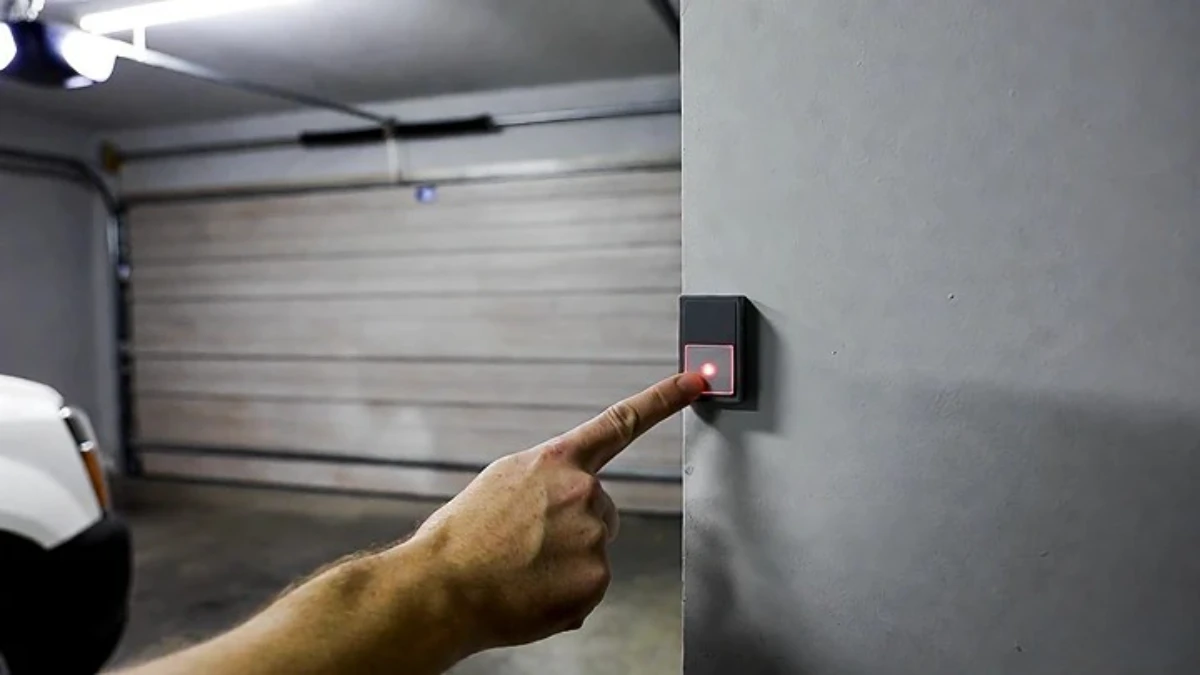
If the wall button works normally, the issue is almost certainly keypad-related (code, lock mode, pairing). If the wall button does not work, you have a different problem (power/GFCI/opener) and changing the code won’t help.
This quick test prevents a lot of confusion.
Step 2: Check Lock/Vacation mode (it can look like a wrong code)
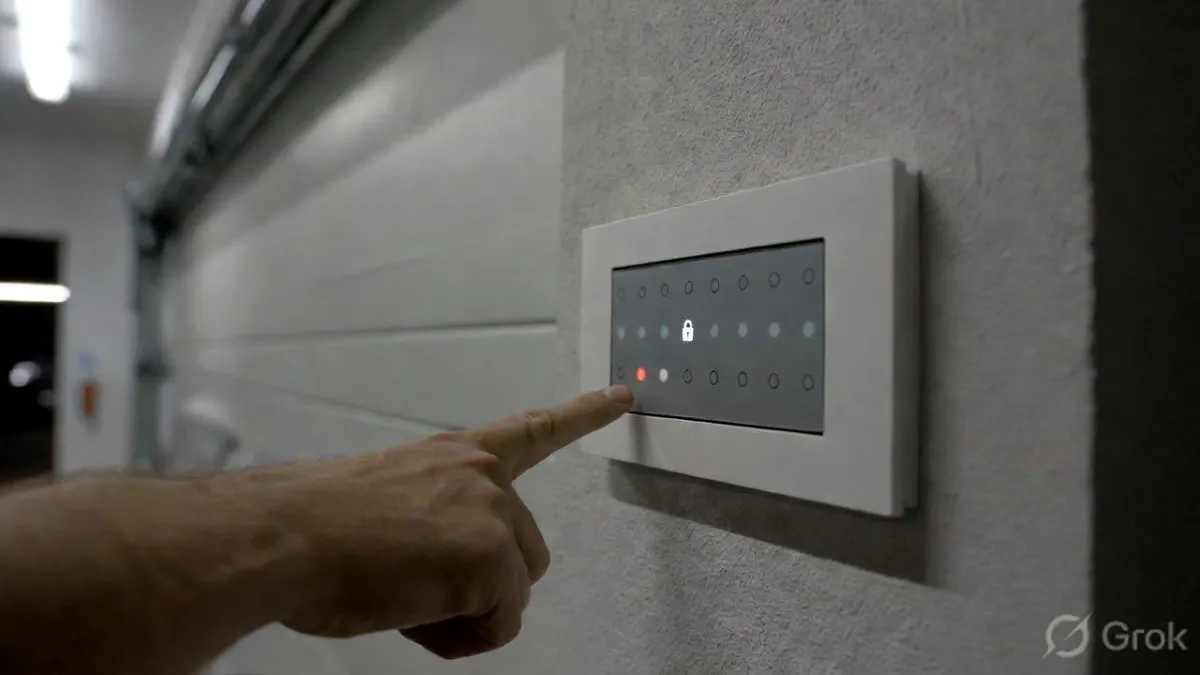
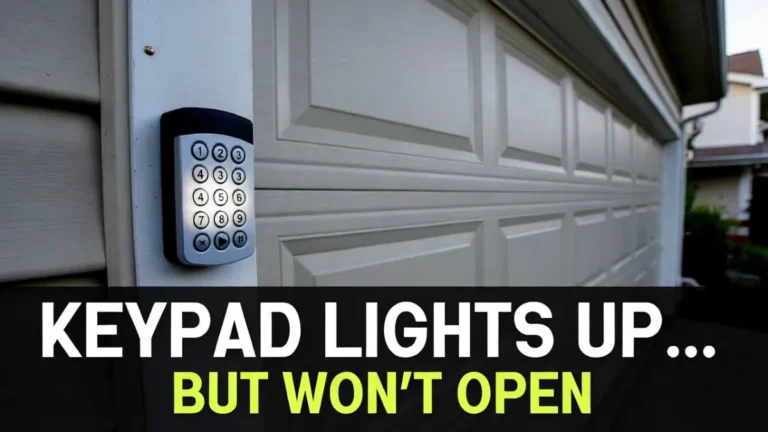
Many wall control panels have a “Lock” mode that disables wireless entry devices—remotes and keypads. When Lock mode is ON, the keypad can still light up, accept button presses, and even blink, but the door won’t respond. People often interpret that as “wrong code.”
Look at your wall control for a Lock indicator. Turn Lock mode OFF, then try the keypad again.
If the door responds immediately, you’ve found the problem and you don’t need a reset.
Step 3: Don’t trigger a lockout by guessing
If you entered the wrong PIN multiple times, some keypads temporarily lock out for security. That can feel like the keypad is “broken.”
If you think you’ve tried too many times:
- stop pressing buttons for 60–120 seconds
- try again carefully once
If you still can’t open the door, move on to resetting/reprogramming.
Step 4: Make sure the keypad is actually registering each key press
Sometimes the code isn’t wrong—your keypad is missing a digit. This is common on older keypads with worn buttons.
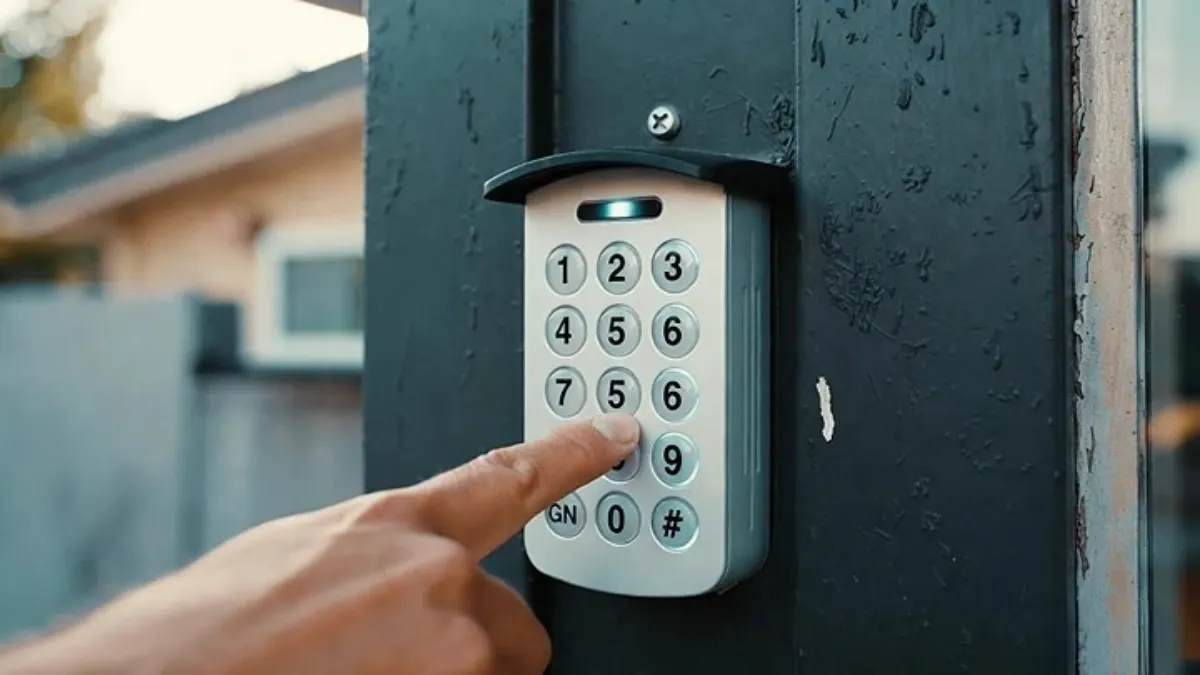
Enter the PIN slowly and press firmly. If your keypad normally beeps or flashes per key, confirm each digit gives a response. If one key doesn’t respond reliably, the keypad may be worn out or moisture-damaged.
If some digits don’t register, reprogramming won’t help for long—replacement is usually the real fix.
Step 5: Replace the keypad battery (even if it lights up)
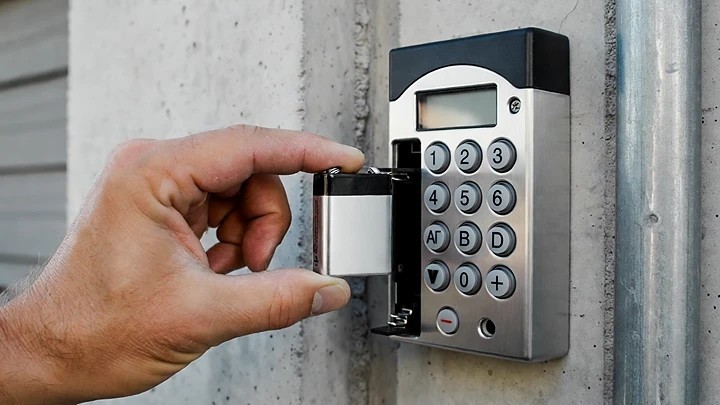
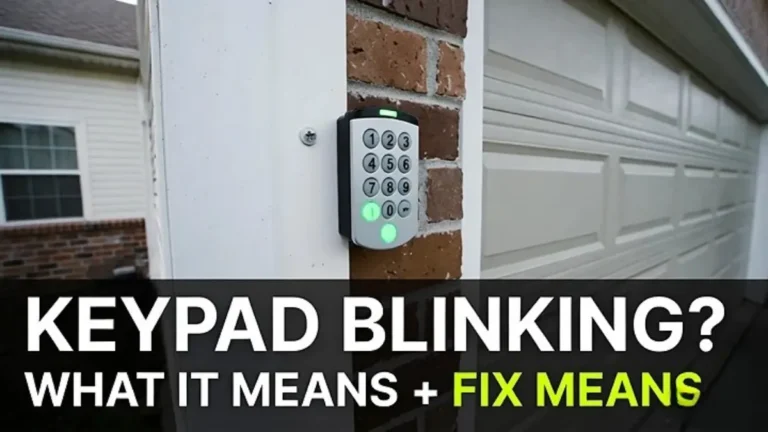
A keypad can light up with a weak battery but fail to transmit consistently. Low battery can cause weird symptoms—random blinking, rejected entry, or failure to confirm programming.
Install a fresh battery and test again once. If it still rejects the code, proceed to a new PIN setup.
Step 6: Reset/reprogram by setting a NEW PIN (Learn button method)
This is the most common and reliable fix when you forgot the code or the keypad insists the code is wrong.
What you’ll need
- A stable step ladder (if needed)
- A few minutes
- Access to the opener motor unit (ceiling)
6A) Locate the Learn button on the opener
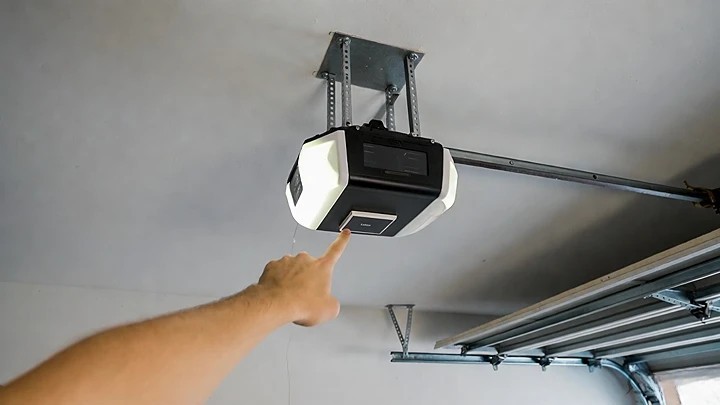
On most openers, the Learn button is on the motor unit. It may be behind the light cover or near the wiring terminals. It may be labeled “Learn,” or it may be a small colored button next to an LED.
Take a moment to find it first. The programming window is short, so you want to know exactly where it is.
6B) Put the opener into programming mode
Press and release the Learn button once. Usually an indicator light turns on and stays on for a short time (often ~30 seconds). That’s the window where the opener will accept a new keypad code.
6C) Enter your new PIN on the keypad and confirm
Go to the keypad, enter your new PIN (typically 4 digits), then press ENTER (or the down arrow button, depending on the keypad).
If programming worked, the opener usually confirms with a click or a light flash. Now test the new PIN again.
6D) Test 2–3 times (for reliability)
Do not test just once. Test it a few times from a normal standing position. If it works once and then fails, you’re usually dealing with a battery/contact issue or keypad range/interference—not a wrong PIN.
Step 7: If Learn programming doesn’t work—what to check
If the new PIN won’t program, the problem is usually one of these:
Timing: You waited too long after pressing Learn. Try again and enter the PIN sooner.
Battery: The keypad has power but transmission is weak. Try a different fresh battery.
Lock mode: Still on. Confirm lock mode is OFF.
Compatibility: Very old keypads and some newer openers don’t always pair. If the keypad is older, replacement may be the fastest fix.
Step 8: What if you want to “wipe” old keypad codes completely?
Some people want to make sure the old PIN is truly gone (for example, after giving it to contractors).
On many systems, setting a new PIN via Learn effectively replaces what the opener accepts from that keypad. However, opener memory behaviors vary. If you want a full reset of all paired devices, that process can also remove remotes—and it’s easy to do wrong.
If you’re not confident, it’s safer to:
- program a new keypad PIN
- test that the old code no longer works
- keep your remotes working as-is
When to replace the keypad
Replacement makes sense if:
- buttons don’t register consistently
- it works only sometimes (even with new battery)
- it fails after rain/cold repeatedly
- it won’t program via Learn after multiple clean attempts
Keypads are usually cheaper than the time spent fighting a worn keypad.
FAQs
My garage keypad says the code is wrong—why?
Either the PIN is actually wrong, a key press isn’t registering, Lock mode is enabled, the keypad is in temporary lockout, or the keypad lost pairing.
Can I reset the keypad if I forgot the code?
Often yes. Many systems let you set a new PIN using the opener’s Learn button without needing the old PIN.
Will changing the keypad battery reset the code?
Usually no, but low battery can cause odd behavior that feels like a wrong code. Battery replacement is still a good early step.